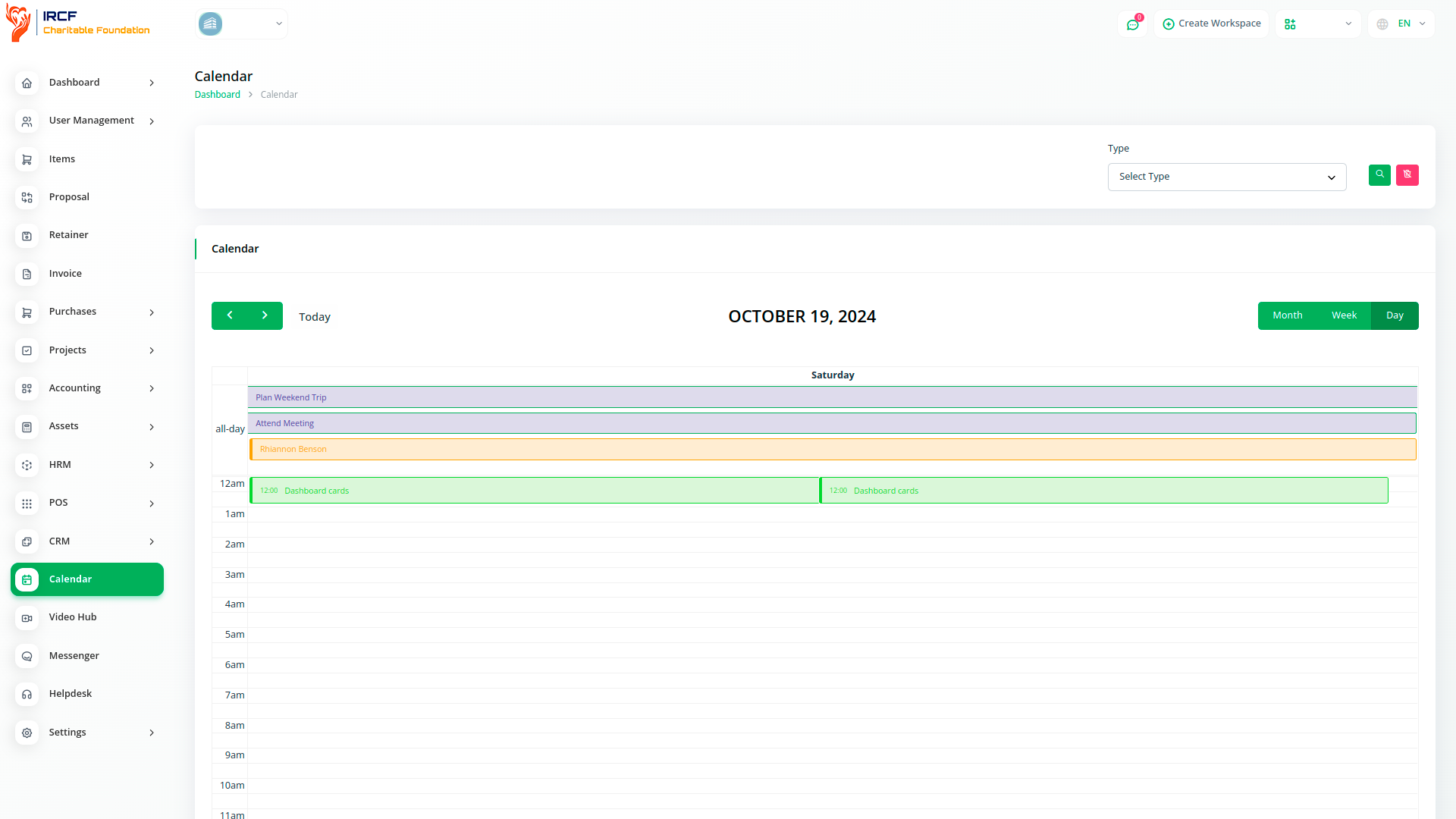
The Calendar module offers a modern, responsive interface for managing events and deadlines across your organisation.
Users can view meetings, programme activities, and task-related dates in a clear visual layout.
Integrated Zoom events appear directly in the calendar once configured, and tasks with deadlines are automatically shown.
This module supports better coordination, visibility, and time-based alignment across teams within IRCF Workspace.

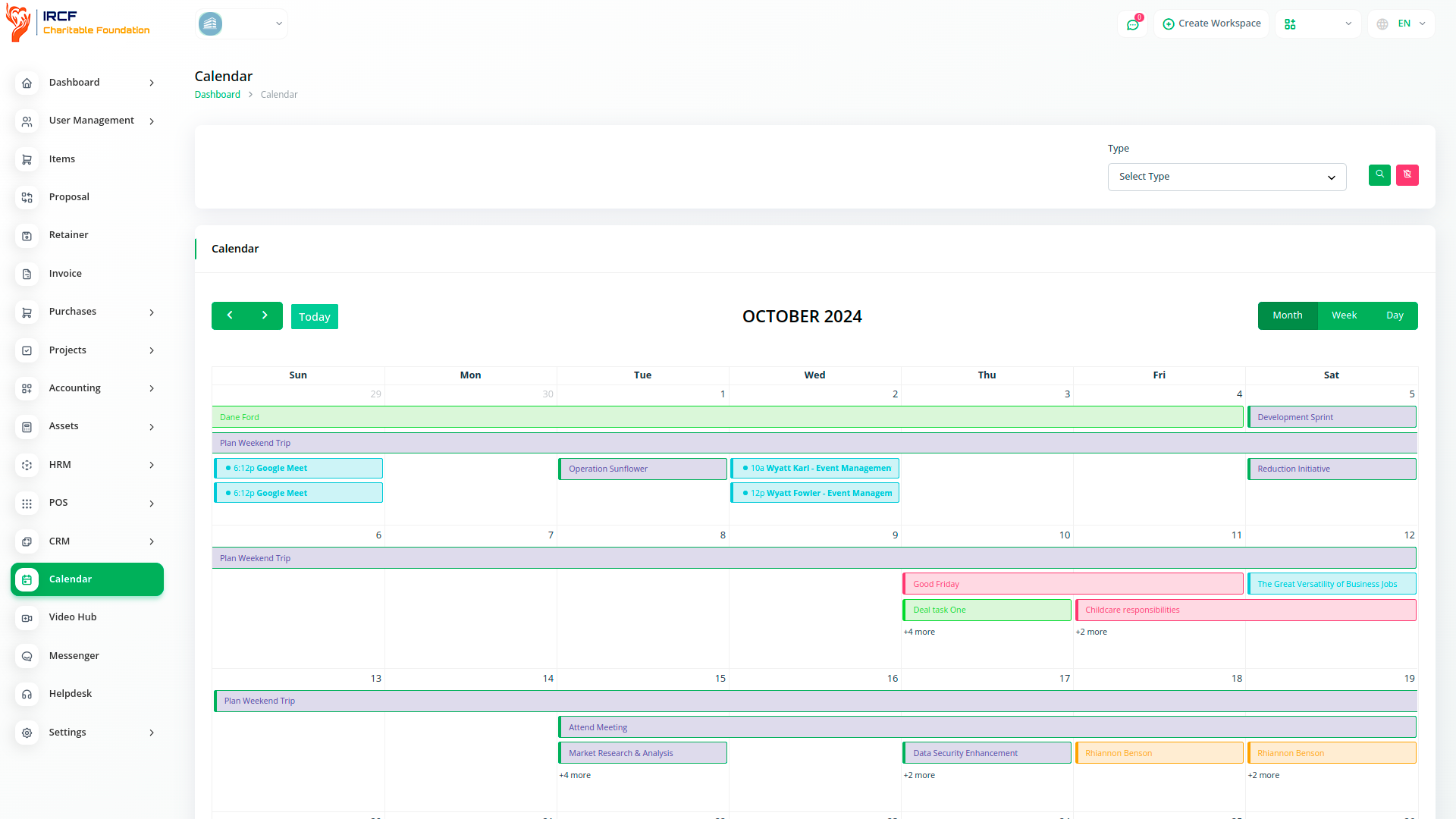
The calendar allows users to create, view, and navigate scheduled events such as meetings, field activities, and internal deadlines.
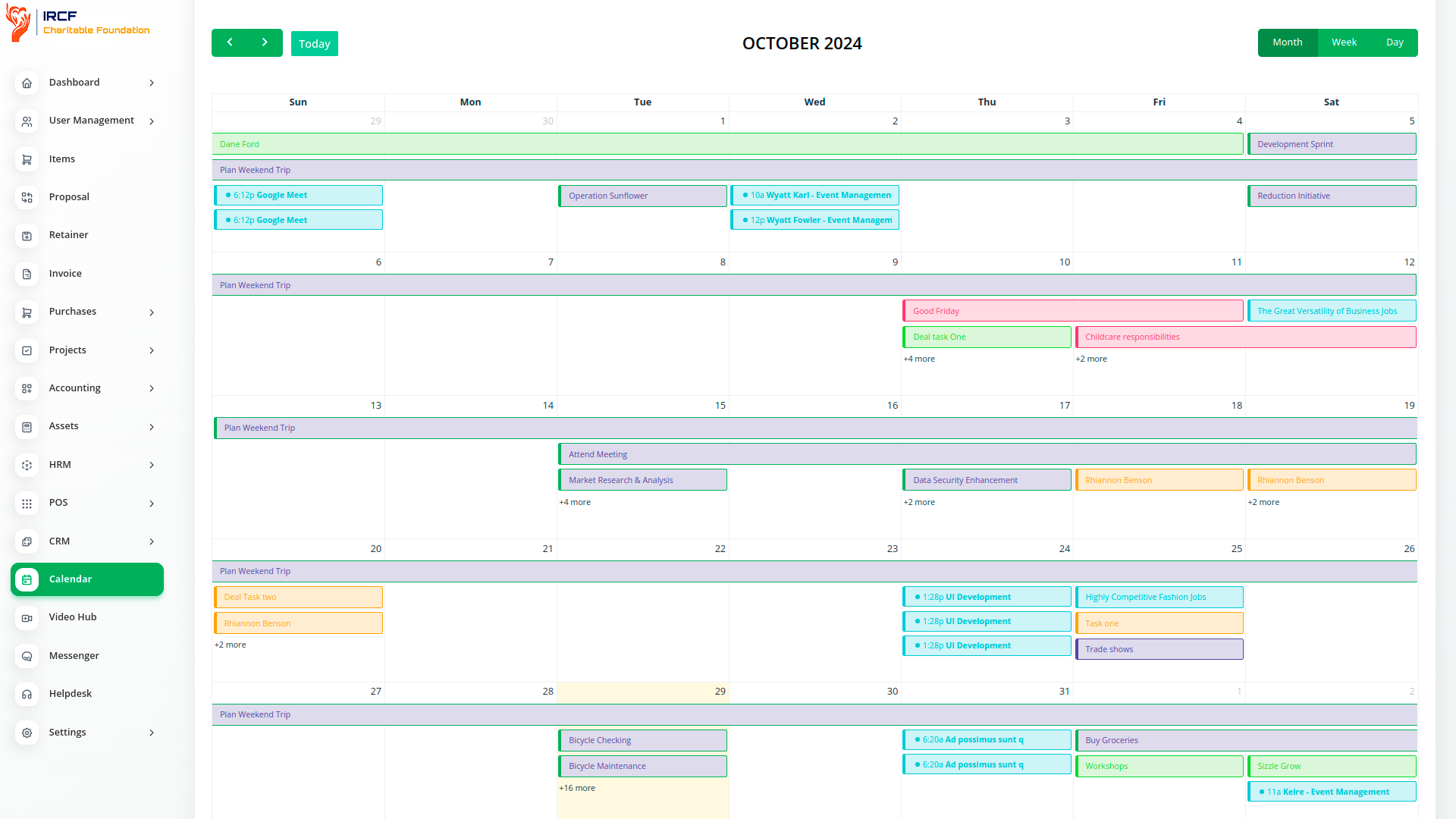
Events are displayed in a visual monthly layout with titles and times, making it easier to keep track of organisational activities.
The module improves time awareness and reduces missed actions by centralising all scheduled entries.
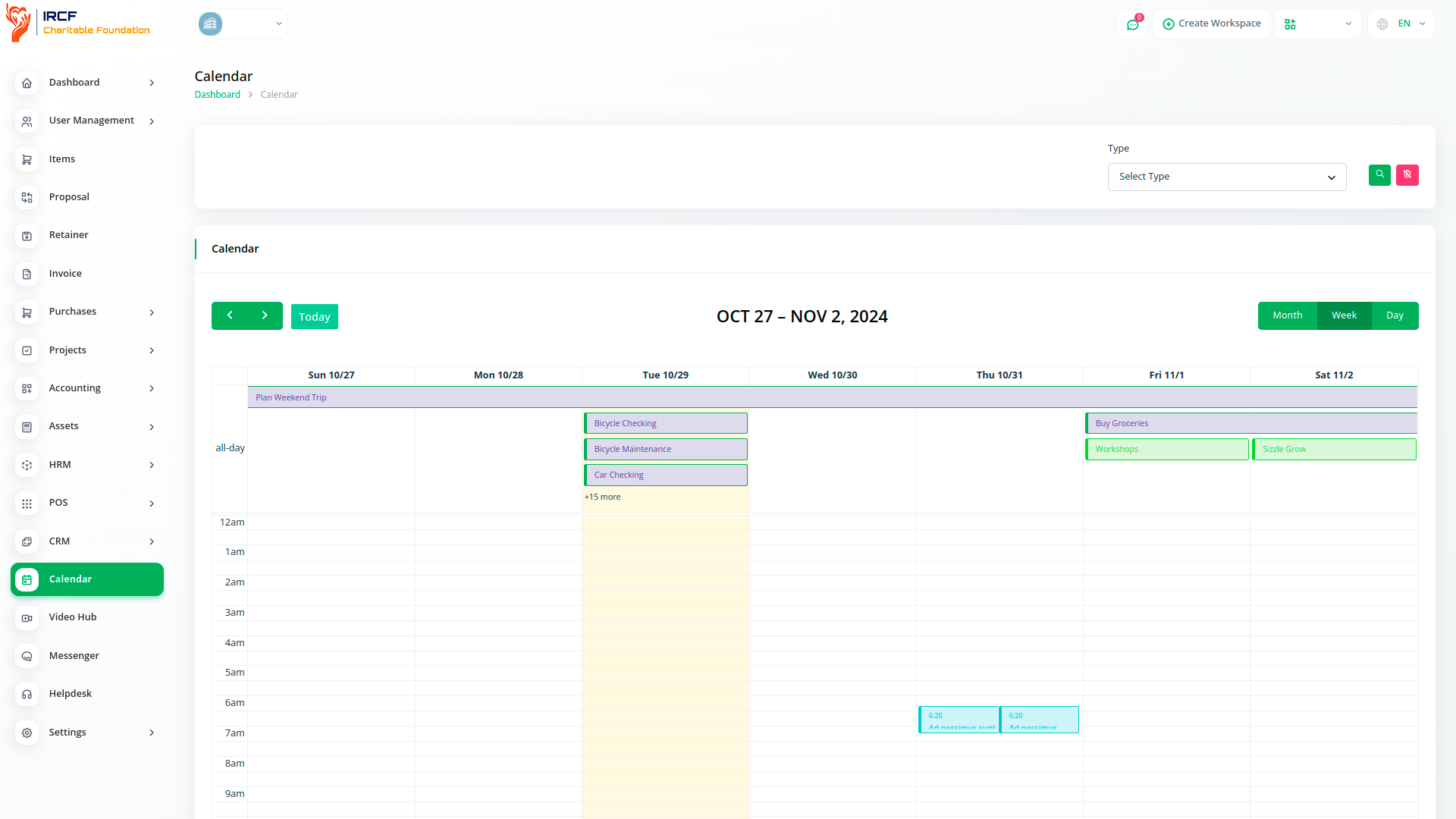
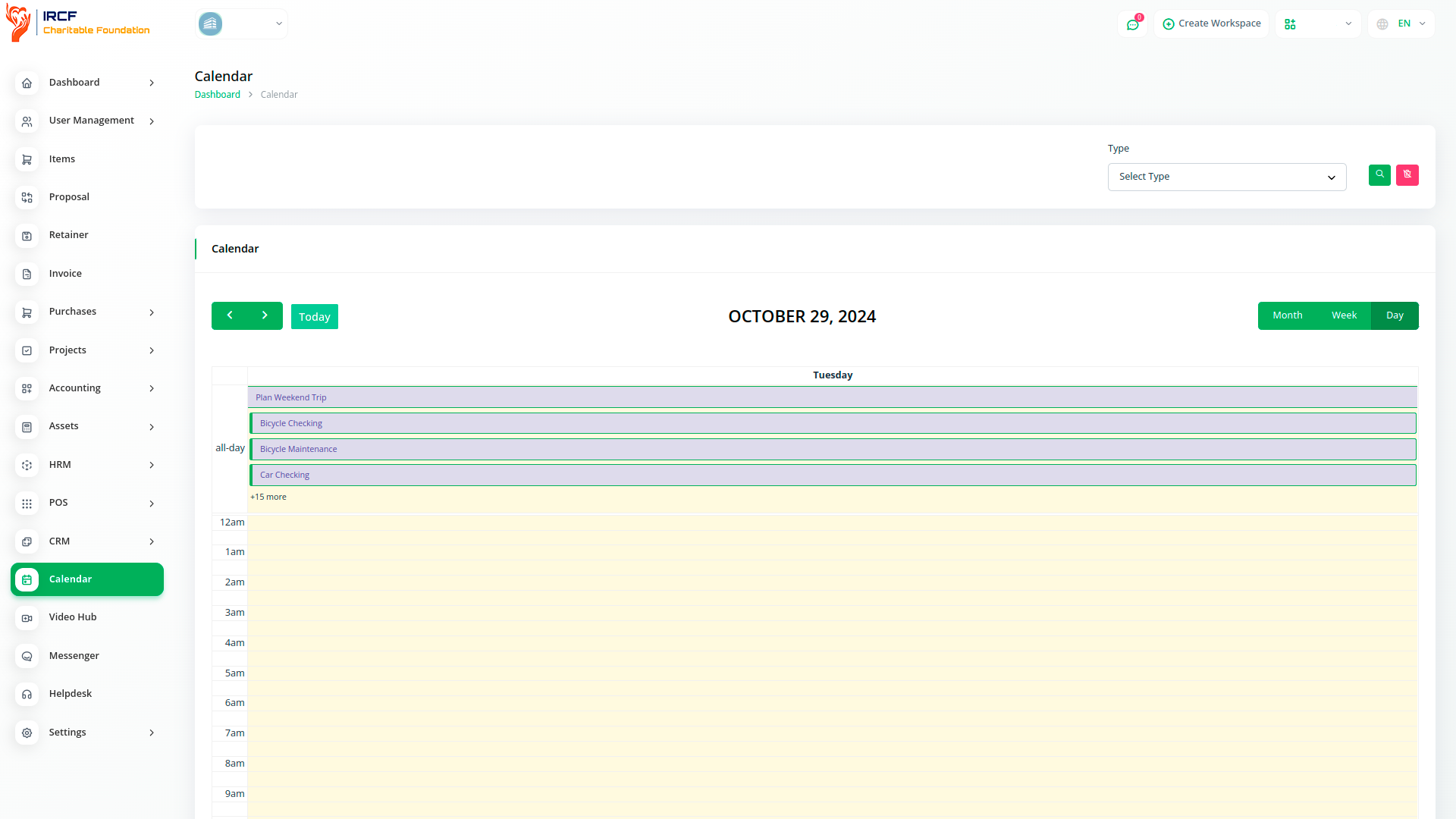
Calendar entries help teams visualise distributed tasks, align meetings, and monitor deadlines in one shared view.
The module enhances team coordination by offering a single interface for all time-sensitive entries — synchronised across devices and roles.
When configured, Zoom meetings created within IRCF Workspace are automatically displayed in the calendar module. Events include time, meeting title, and participant data — offering a single point of reference for all scheduled online engagements. This integration supports better scheduling and reduces missed meetings through a unified event timeline.
All task deadlines from IRCF Workspace are displayed in the calendar, giving team members a unified view of deliverables and timelines. Tasks appear as date-based entries, allowing users to assess workload and adjust priorities accordingly. While tasks are managed in the dedicated Task module, their due dates are mirrored in the calendar for visibility.
IRCF Workspace
Event calendars provide a visual, monthly date selection tool that simplifies the process of entering and managing dates across the platform. Instead of typing dates manually, users can click directly on calendar fields — improving accuracy and reducing errors when scheduling or filtering records.
Replacing manual date entry with a visual calendar interface helps users complete tasks faster and with fewer errors. Whether selecting a task deadline, meeting date, or reporting range, calendar-based input improves usability and efficiency — especially for frequent or repetitive data entry.
Visual calendars reduce typing errors and speed up date selection. They are especially effective for selecting dates near the present — such as today's activities or next week’s meetings — while dropdowns may be better for dates far in the past or future. A flexible interface enhances accessibility across user types.
While visual calendars work best for selecting dates near the current day, scrolling through years for older dates — like birthdates — can be slow and frustrating.
To enhance accessibility, it is recommended to offer manual date input or dropdown options alongside the calendar picker.
When implementing a calendar tool, consider regional date formats (e.g. DD/MM/YYYY vs. MM/DD/YYYY) to ensure clarity for users.
It is also helpful to default to the current or nearest month, so users don't have to scroll unnecessarily.
These small changes significantly improve the user experience across diverse teams.
IRCF Workspace Calendar module enables your organisation to centralise event tracking, task timelines, and Zoom meeting schedules in one user-friendly view.
By consolidating calendar functions with visual clarity, this tool supports operational coordination, deadline awareness, and improved team accountability across all units.
Access a full suite of premium add-ons for Accounting, Volunteer Management, Donation Processing, Beneficiary Engagement, Communication, Programme Coordination, and more — all in one centralised platform!
With IRCF Workspace, you can conveniently manage all your organisation’s functions and charitable operations from a single, centralised platform.