The Form Builder module enables your organisation to create secure, custom online forms that can be embedded into any website using an inline frame (iframe).
This allows visitors to submit information — such as volunteer applications, donation details, or programme enrolment requests — without leaving the page.
All form responses are centralised in the IRCF Workspace system, ensuring consistency, secure data collection, and simplified follow-up through automated integration with other modules.

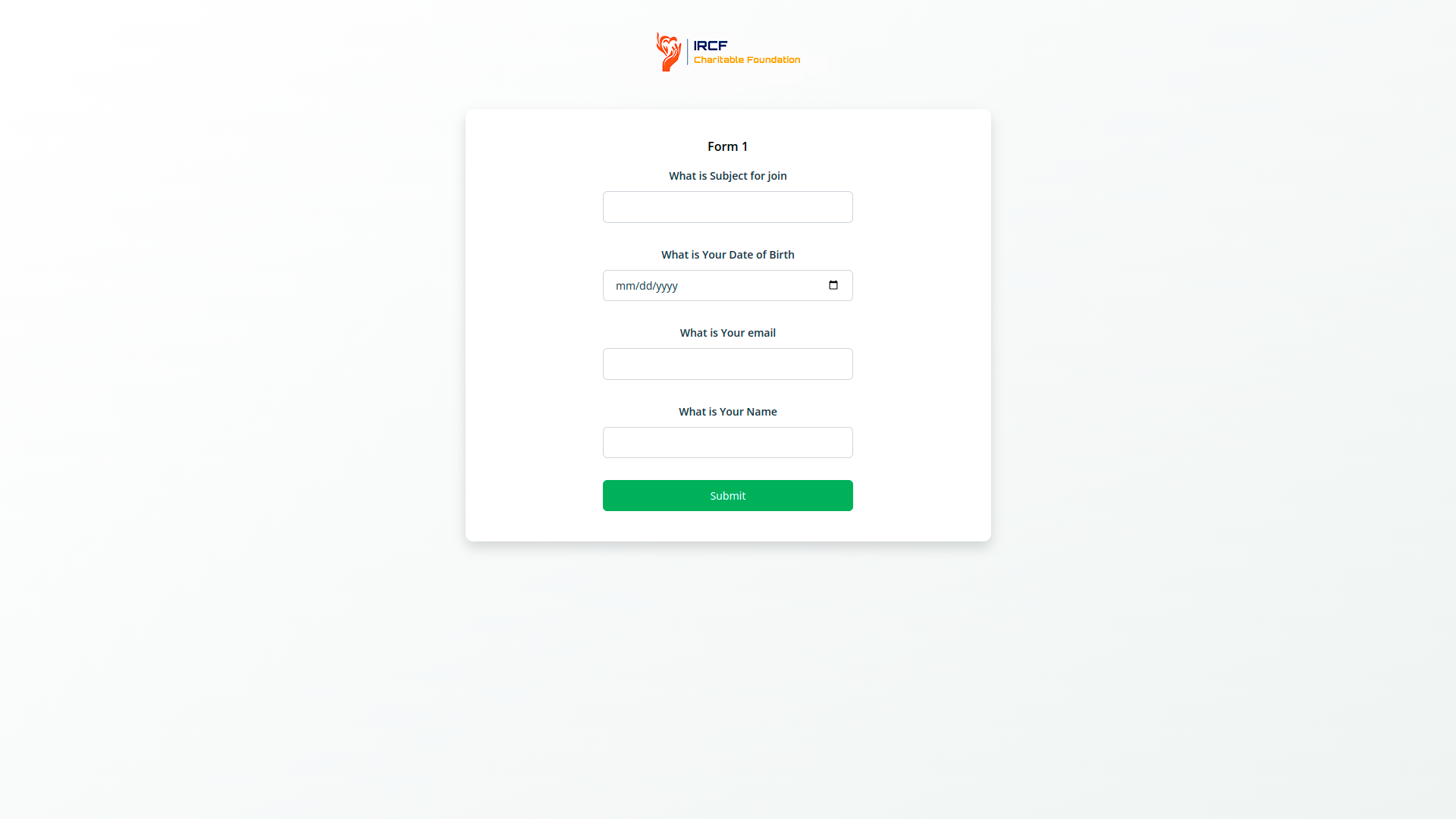
Design tailored forms for a wide range of organisational needs — including grant applications, volunteer sign-ups, donor interest, training registration, or beneficiary intake.
Choose from flexible field types (text, email, date, number, dropdown, description) and apply project-specific logic or validation rules.
Form submissions can be automatically converted into leads, CRM records, or programme entries — allowing your team to take immediate action based on the response type.
The Form Builder provides a no-code solution for building, publishing, and managing forms used in humanitarian or social programmes.
Originally built to receive external web submissions, the module now allows for fully customisable internal form creation, with simple publishing to your organisation’s website or portals.
Use the builder to manage volunteer registrations, donation forms, surveys, and participant feedback — all securely stored and integrated with your internal workflows.
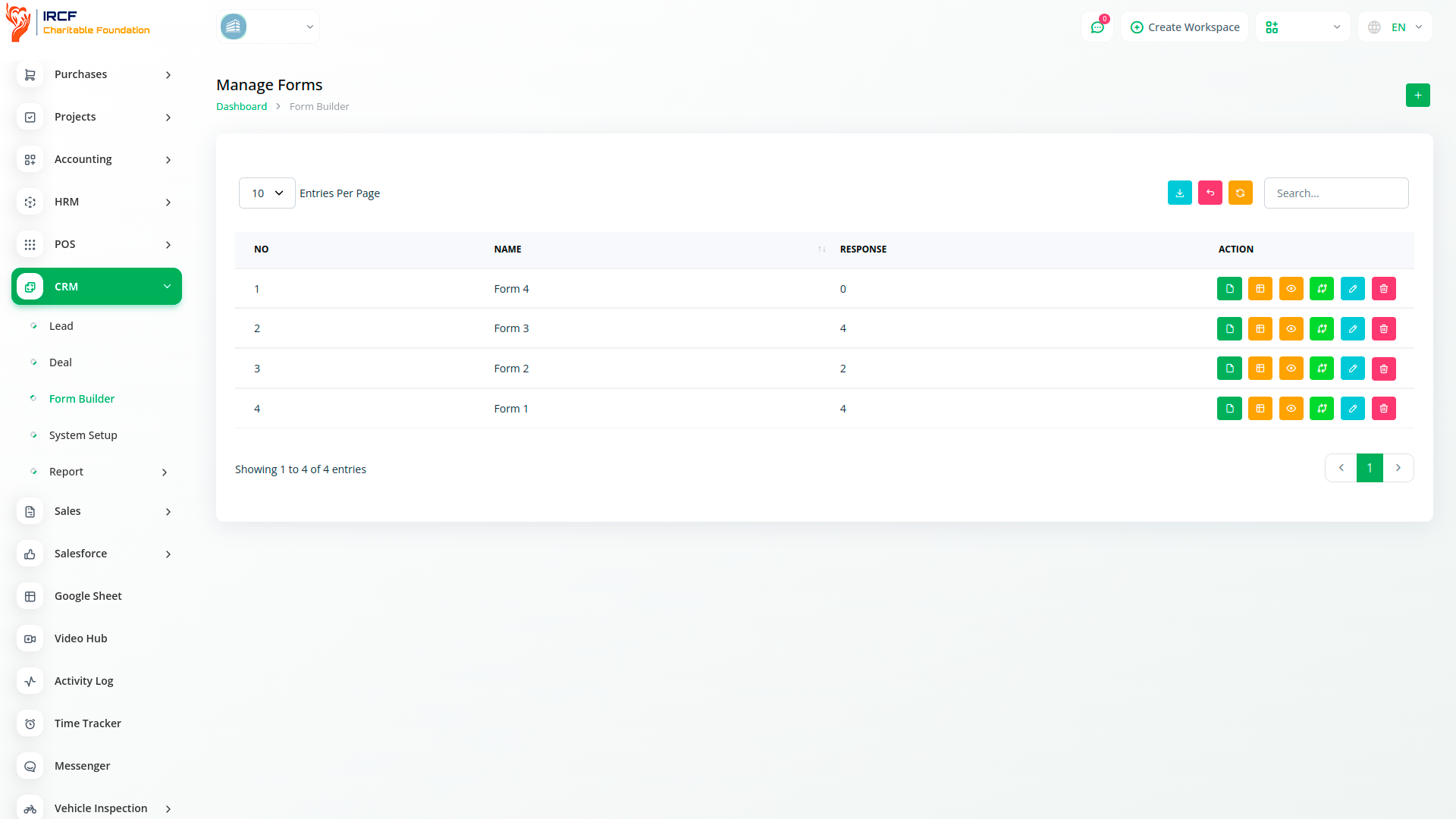
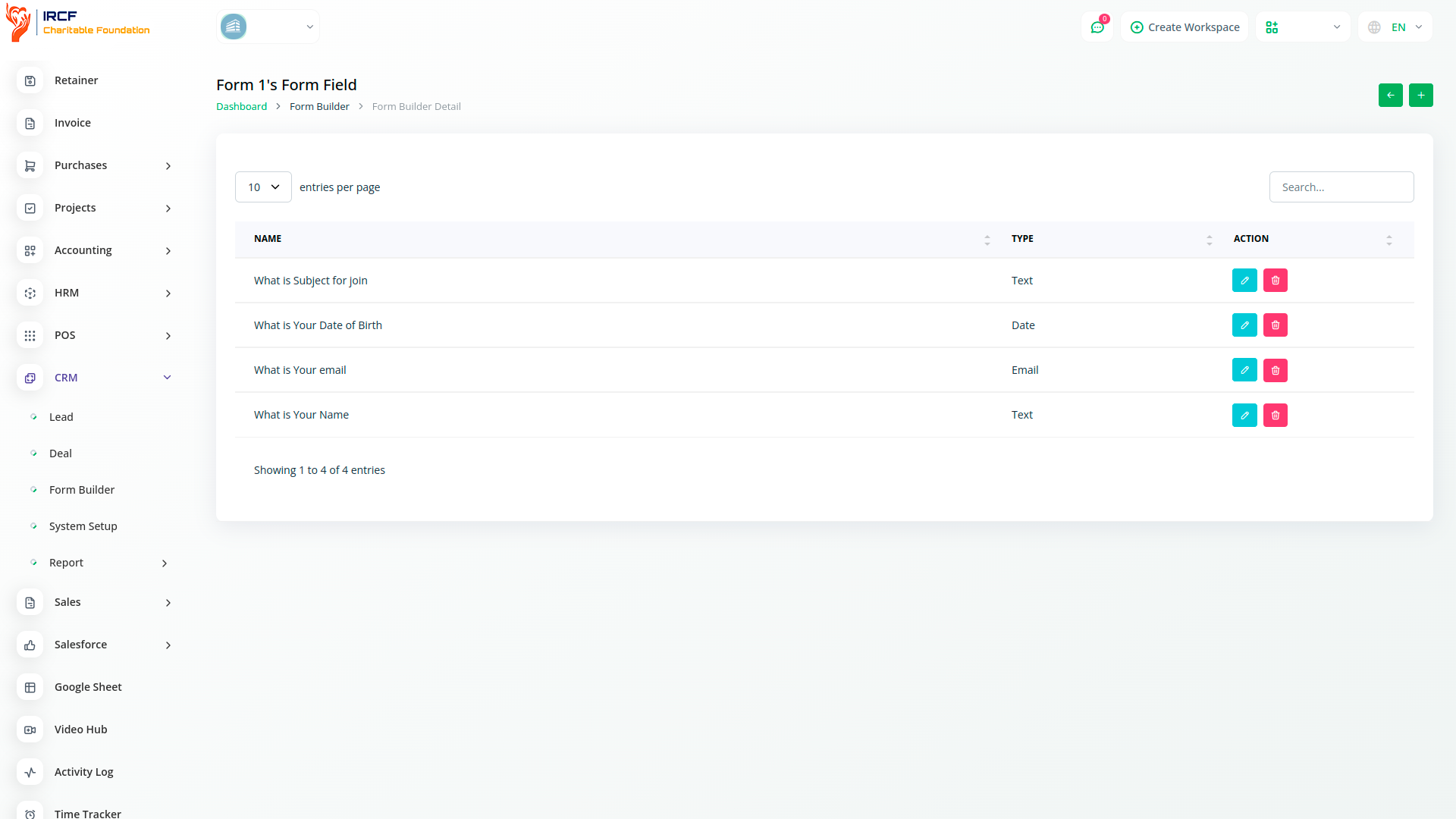
Creating and publishing forms with the IRCF Form Builder is simple and accessible to all non-technical users.
Begin by selecting a form type — such as beneficiary intake, donor interest, or volunteer sign-up — and add relevant fields.
Once configured, your form can be published via a secure link or embedded into your website with one click.
Form submissions are stored in real time and can trigger automated workflows such as confirmation emails or lead assignment.
The Actions panel allows users to manage all aspects of submitted forms.
Key functions include:
Copying or sharing form links
Editing live forms
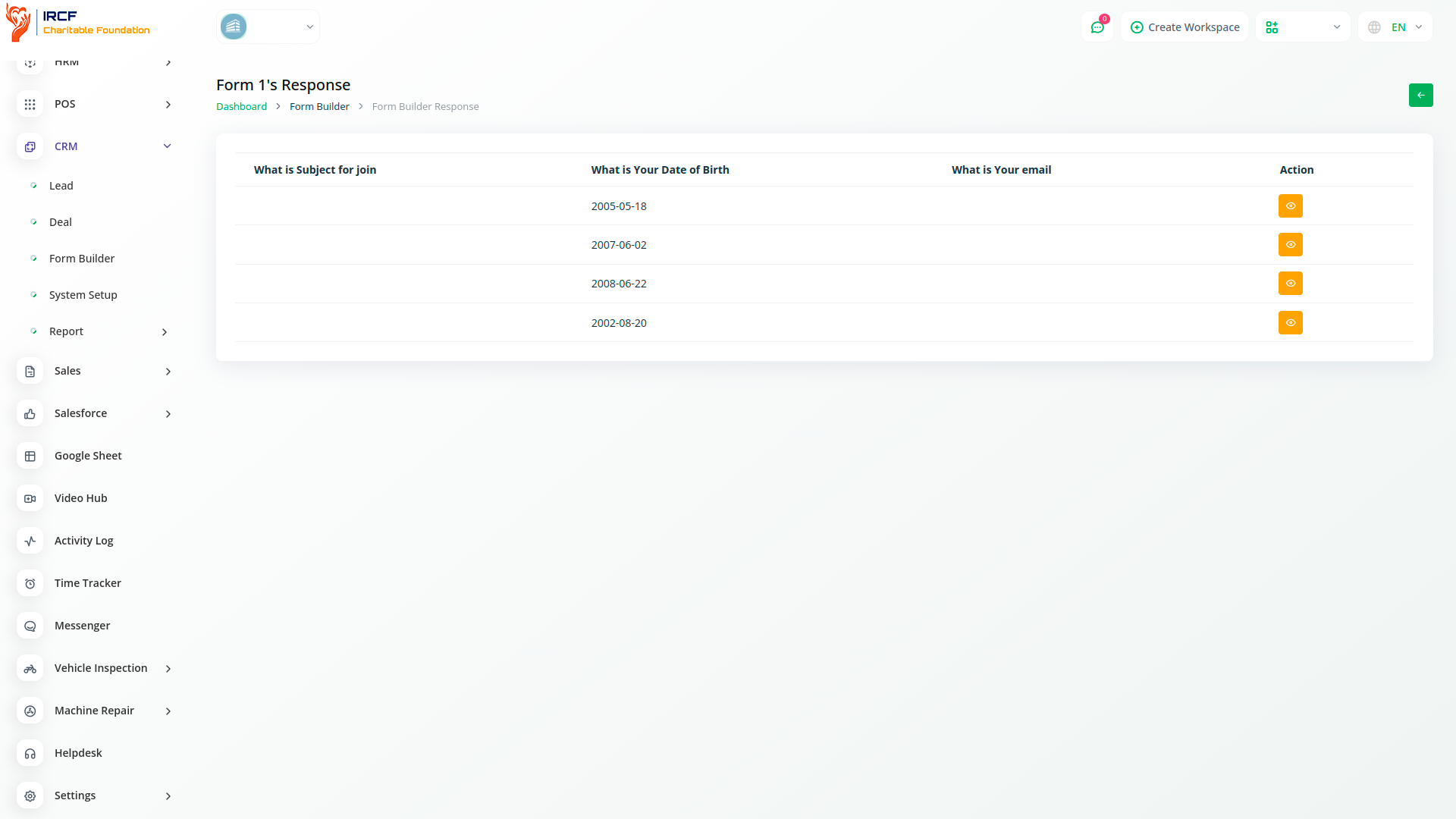
Reviewing and exporting submissions
Converting responses into CRM records, programme entries, or lead objects
Forms can also be renamed and reclassified based on project stages or campaign needs.
This flexibility supports dynamic data collection and ensures consistency across departments.
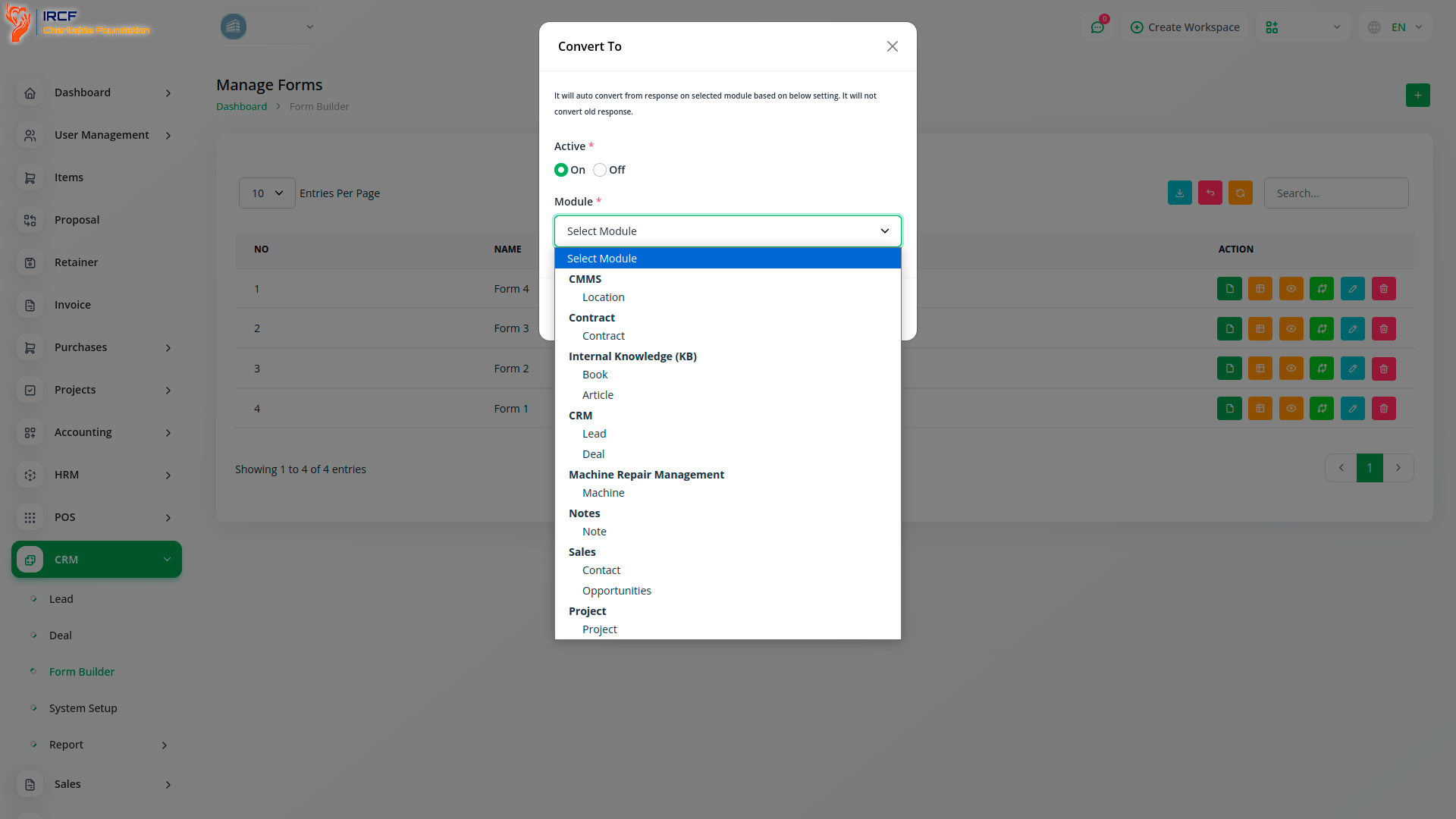
IRCF Workspace centralises all data collection processes — from registrations to donations — into a unified, secure platform.
The Form Builder ensures consistent branding, privacy compliance, and real-time access to information submitted by your community, donors, or partners.
By linking forms directly to your programme, CRM, or financial systems, you eliminate duplication, reduce manual errors, and accelerate response workflows — supporting efficient, impact-driven operations.
Access a full range of advanced modules for Accounting, Volunteer Management, Donation Processing, Outreach, Communication, Project Oversight, and more — all in one central platform!
With IRCF Workspace, you can conveniently manage all your organisation’s operations and charitable activities from a single location.