
In the context of IRCF Workspace, "Assets" refer to physical, financial, and digital resources essential to successful programme delivery and daily operations.
These include equipment, furniture, technology, and other items that require long-term tracking, classification, and accountability.
The Assets module provides organisations with a structured system for recording, categorising, updating, and managing capital and operational assets — ensuring accurate records, efficient resource use, and support for internal control processes.
All records are manually entered and maintained by administrators with role-based access permissions.

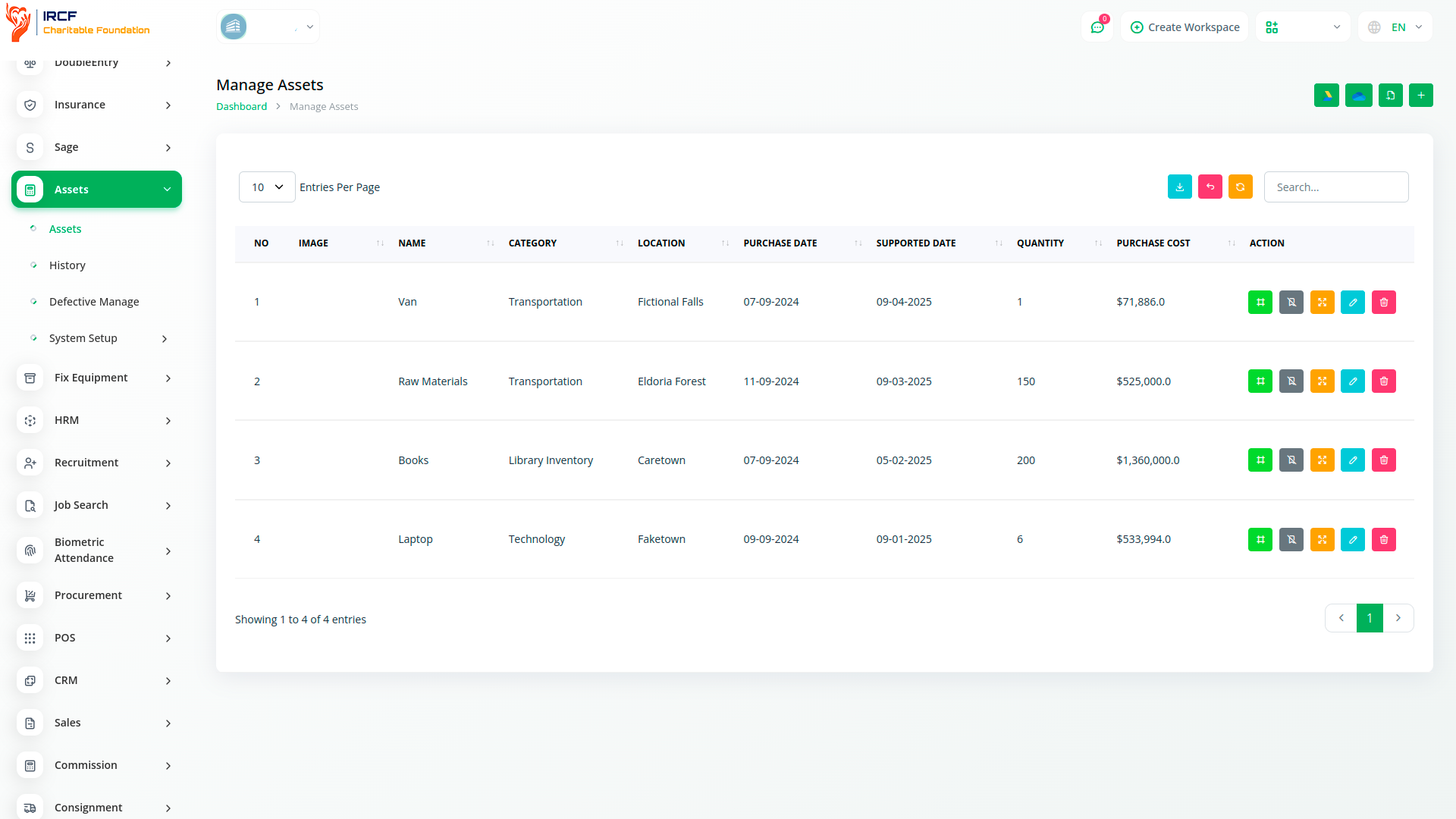
The Assets Management panel enables you to track and maintain essential organisational resources over time.
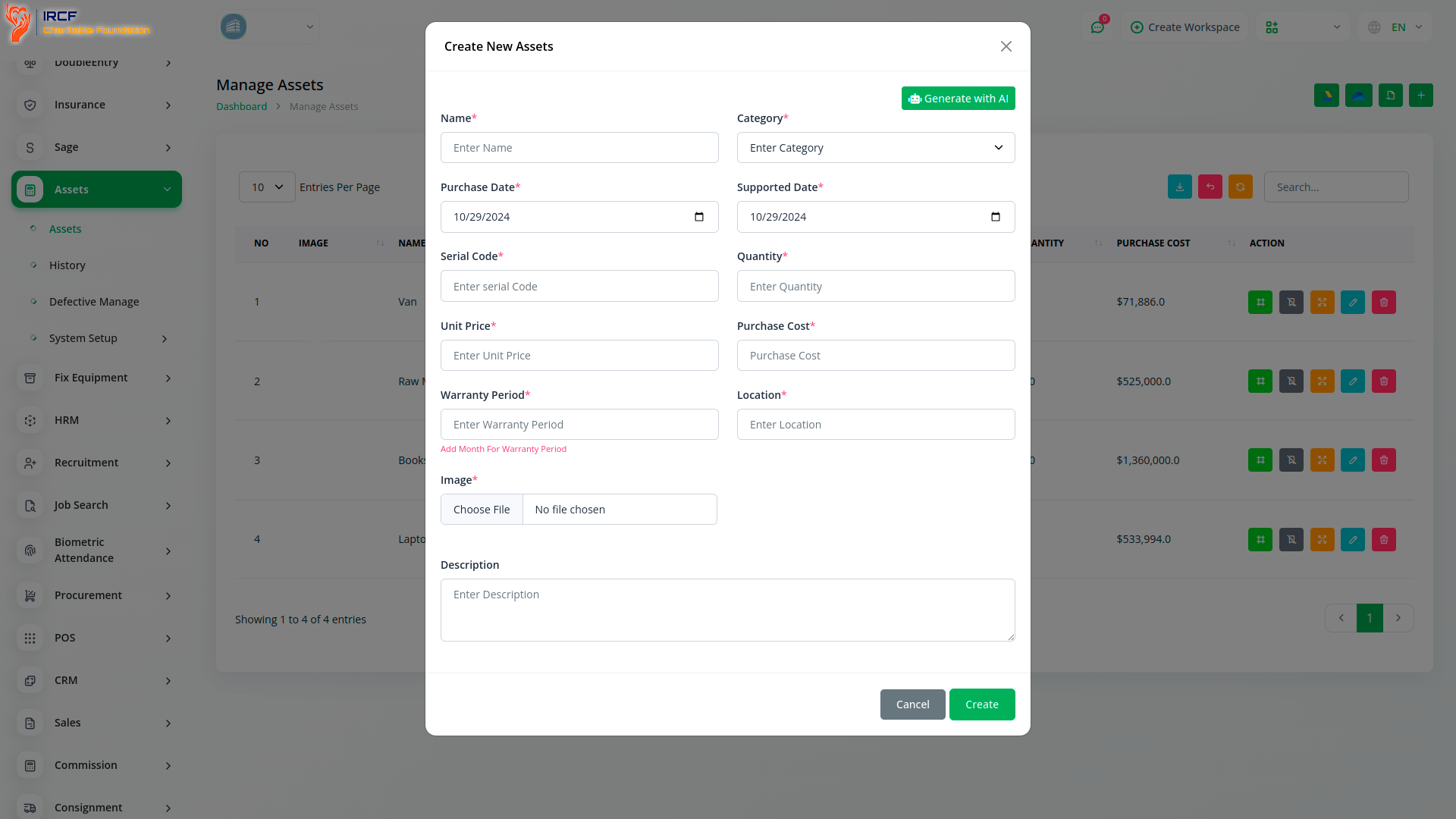
Create new assets by specifying name, asset code, category, quantity, unit cost, purchase date, usage period, and status (active/inactive).
Each asset is stored in a searchable list with options to View, Edit, or Delete.
Assets can be categorised for easier filtering and exported for reporting or compliance reviews.
Administrators maintain full control over asset data entry, with user-level restrictions ensuring integrity and traceability.
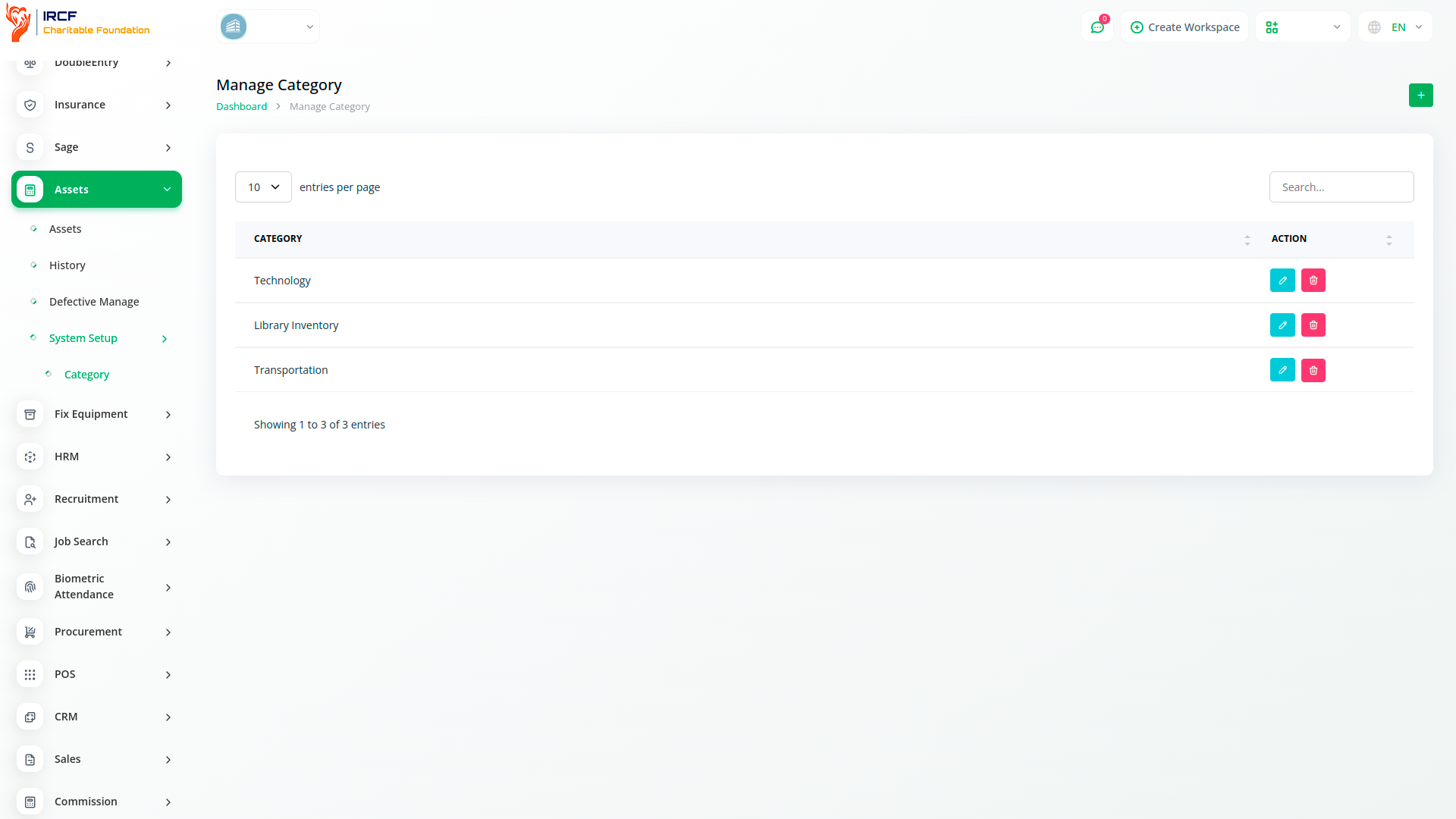
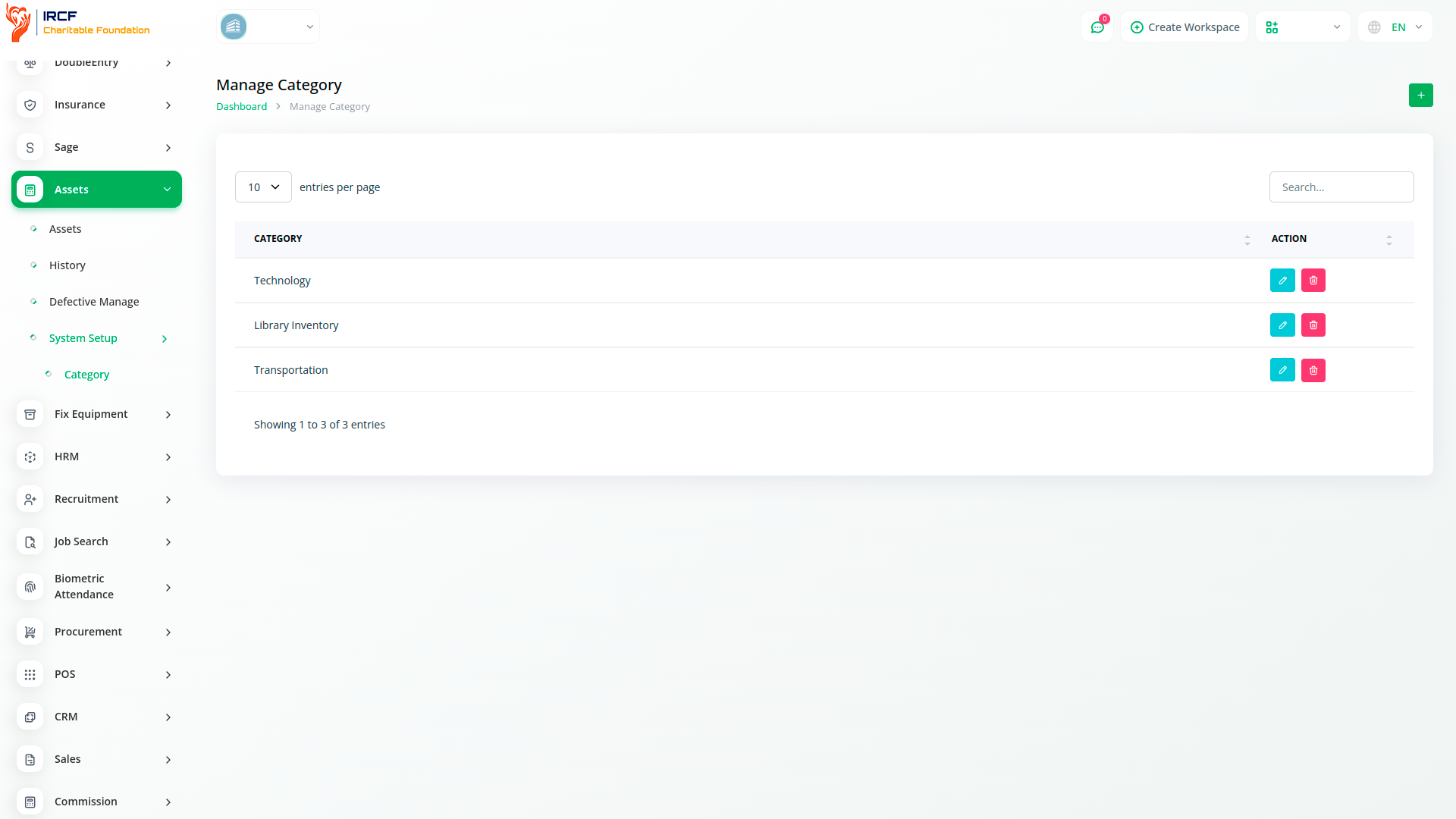
Use dedicated categories to organise assets by type and function.
Administrators can create, edit, and remove categories such as “ICT Equipment”, “Vehicles”, or “Furniture” for simplified filtering and grouping.
Categorisation ensures consistency in records and improves clarity when managing large inventories across different departments or locations.
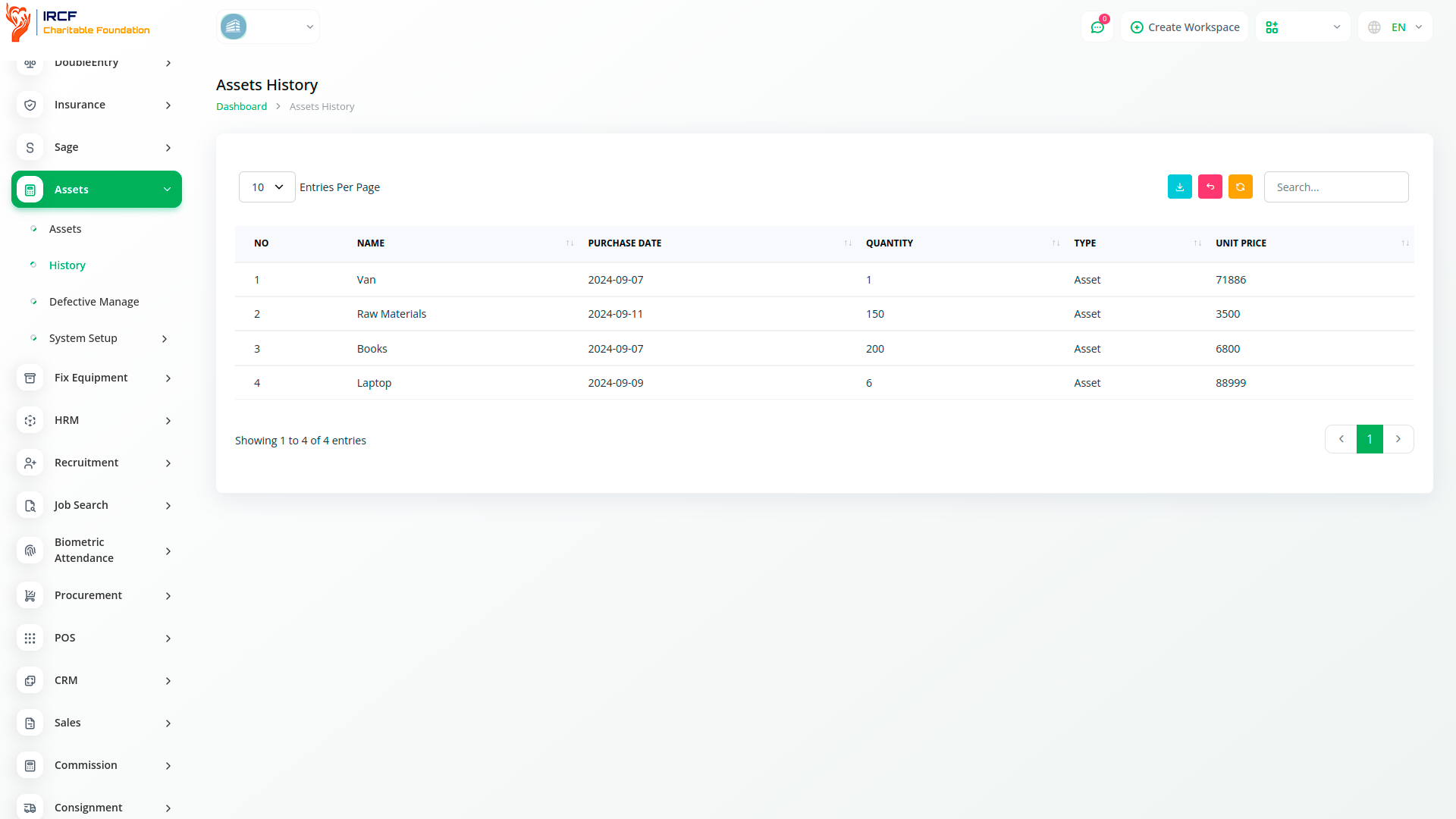
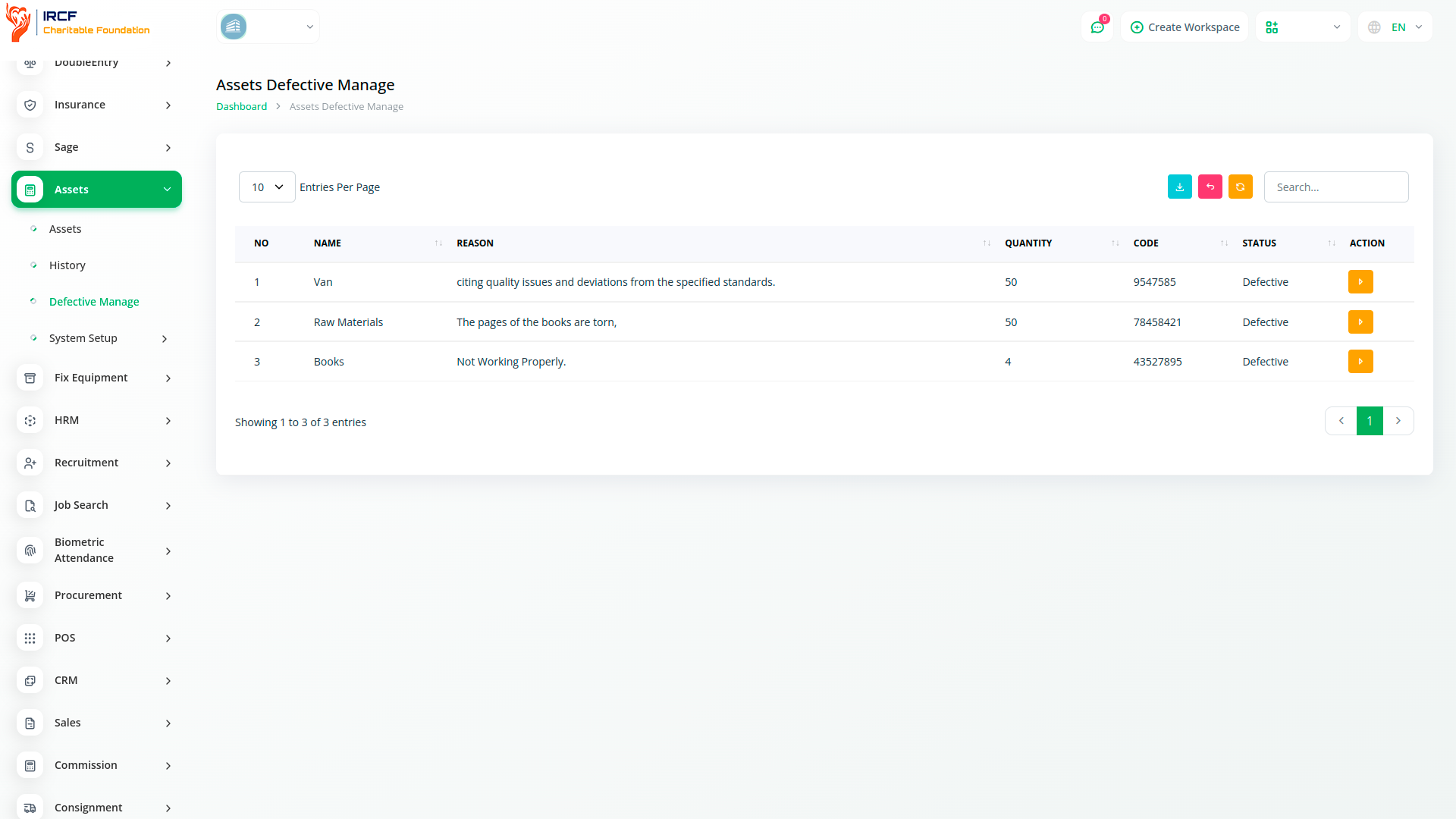
Track the operational status of each asset by labelling them as Active or Inactive.
Asset status can be updated at any time, enabling your organisation to reflect changes in usability, retirement, or maintenance cycles.
This manual tracking method supports accurate reporting and is useful for internal audits or resource reallocation decisions.
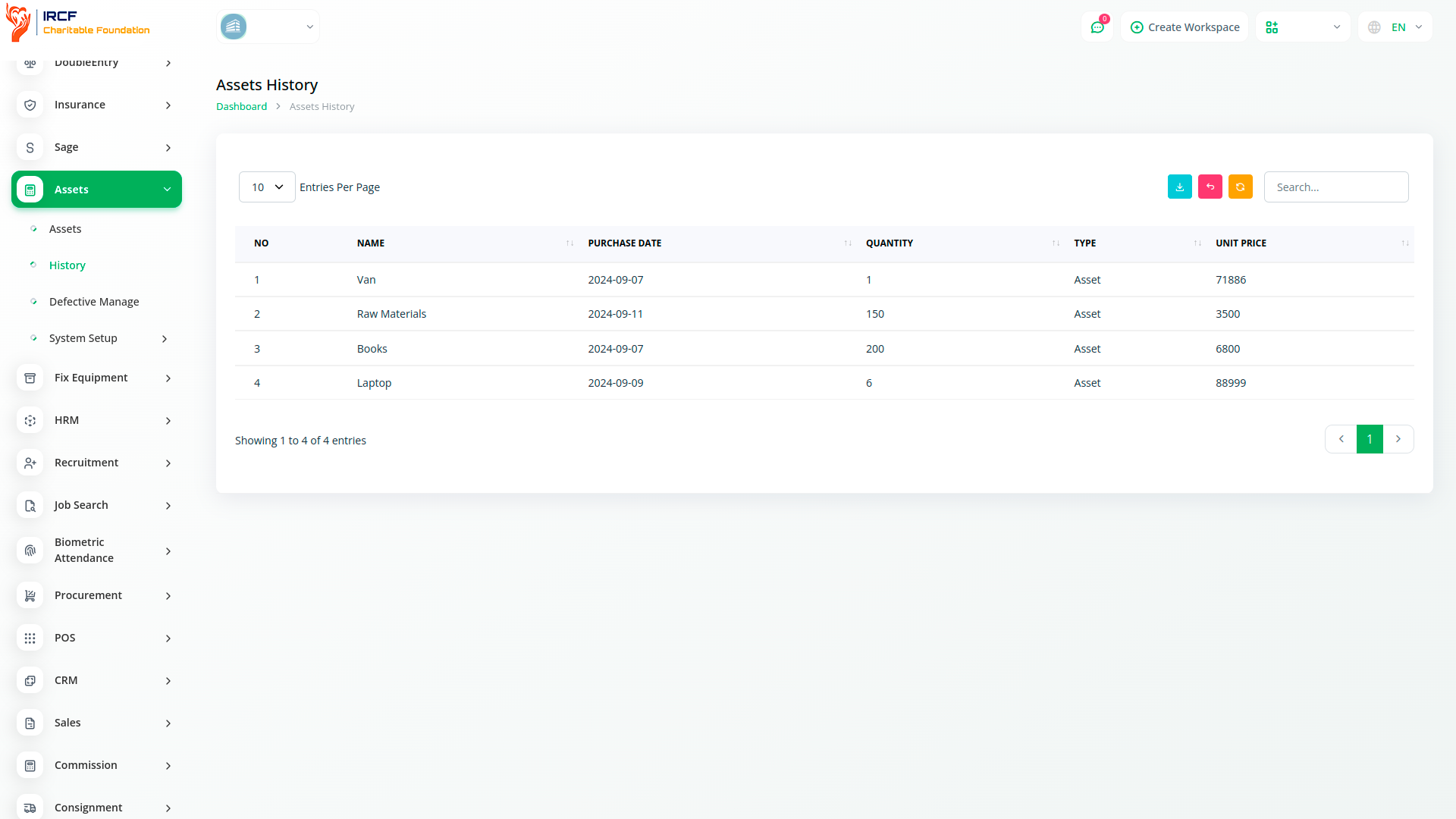
View all registered assets in a searchable, sortable table.
Use the built-in search bar to find specific assets by name, code, or category.
Export asset lists as structured data sets for offline analysis, inventory audits, and reporting to donors or financial controllers.
These features support data transparency and help maintain full traceability across your asset base.
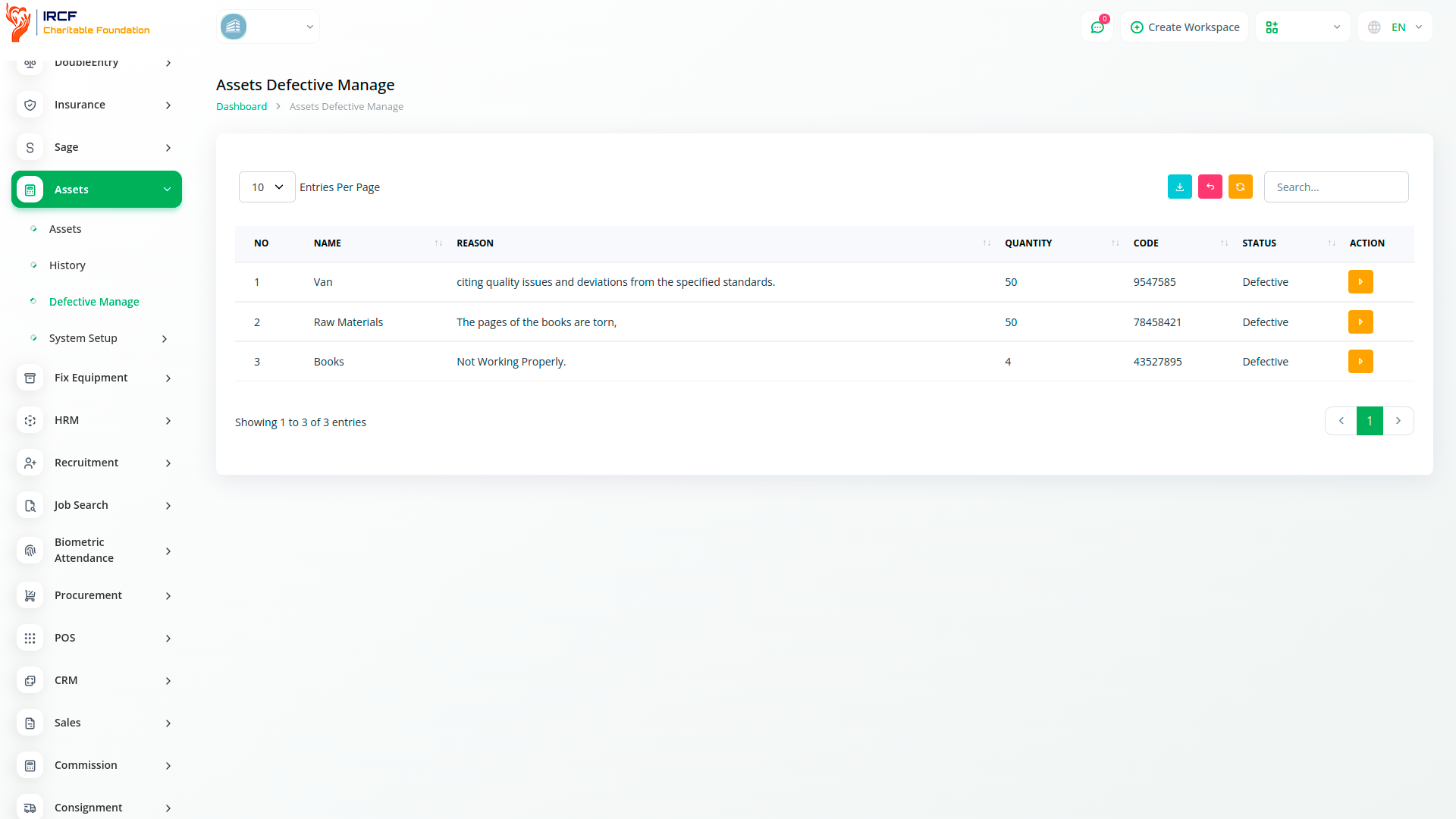
The Assets module in IRCF Workspace gives your organisation a structured, transparent, and secure system for recording, tracking, and reviewing key physical and operational resources.
With features like asset categorisation, lifecycle status control, and exportable registries, you can maintain inventory integrity, support internal accountability, and prepare for compliance or audit reviews — all from a single, centralised workspace.
Access a full range of premium add-ons for Accounting, Human Resource and Volunteer Management, Fund Disbursement, Outreach Coordination, Internal Communication, Programme Oversight, and more — all in one centralised platform.
With IRCF Workspace, you can conveniently manage all your foundation’s functions and operations from a single, centralised platform.


