
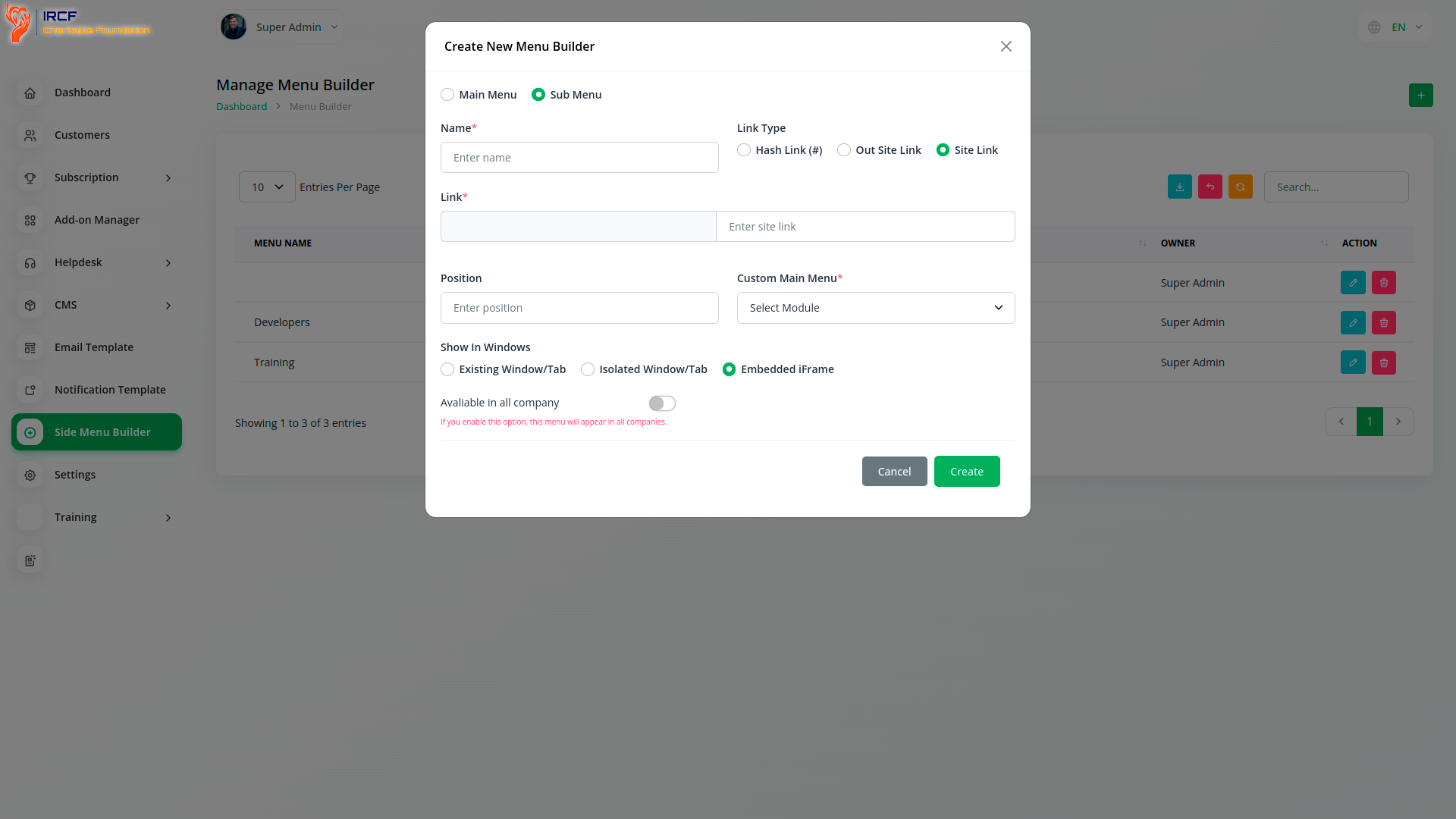
The Side Menu Builder in the IRCF Workspace provides a flexible tool for enhancing platform navigation and ensuring quick access to key features and content. Administrators can create intuitive menus by specifying destination URLs, custom link names, and optional parameters. Designed with usability in mind, this module streamlines workflows and facilitates seamless navigation — improving the overall experience for staff, volunteers, and partners working within the platform.

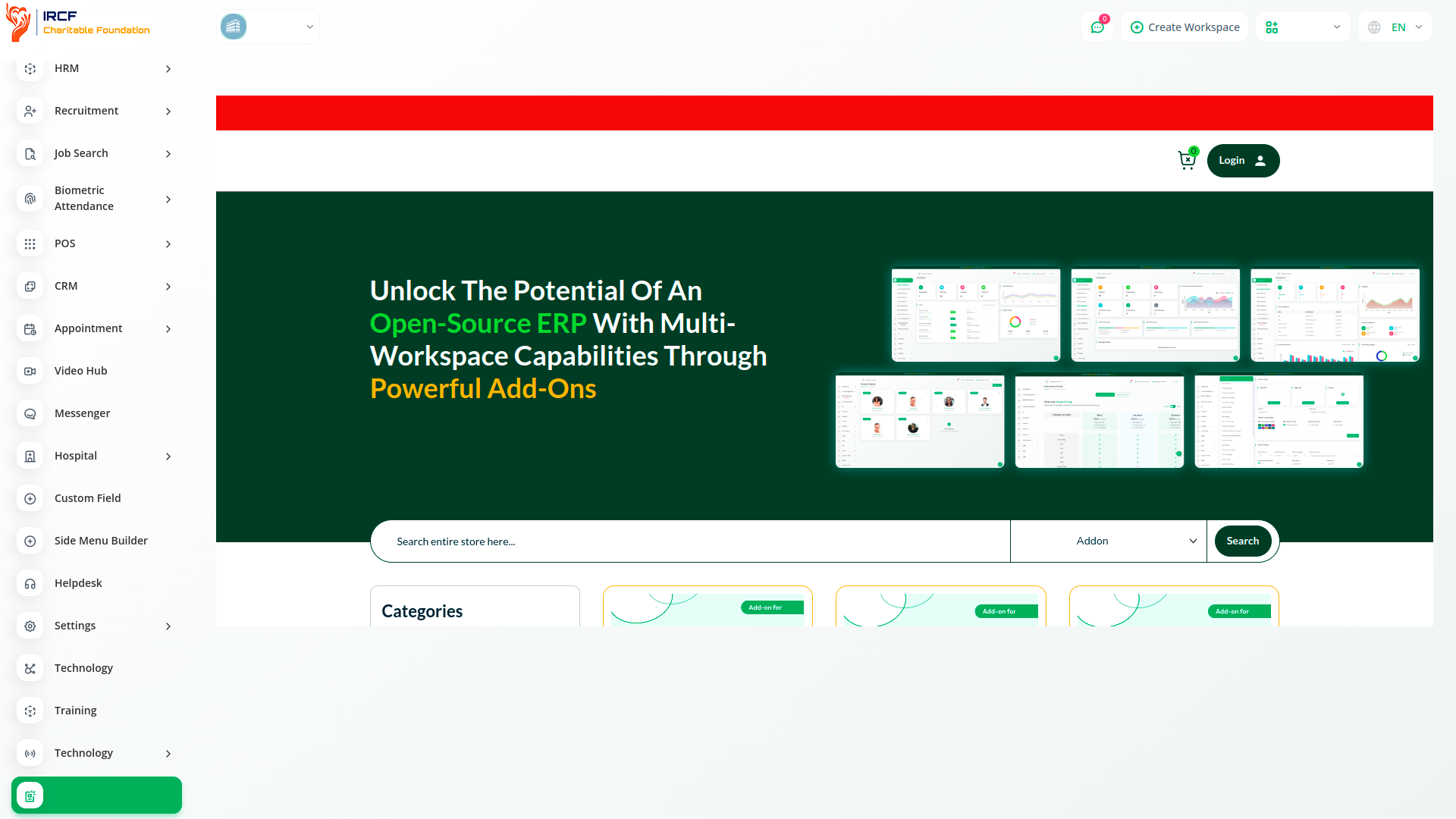
Easily tailor and design user-friendly side menus for your platform using our Side Menu Builder — improving navigation and accessibility for staff, volunteers, and beneficiaries.
You can create a side menu by simply clicking the “Create” button. Once created, the menu can be managed, edited, or deleted as needed. Side menus can be configured both at the organisational level and by the system administrator. Additionally, menus created and enabled by the system administrator are visible across all affiliated organisational units or projects.
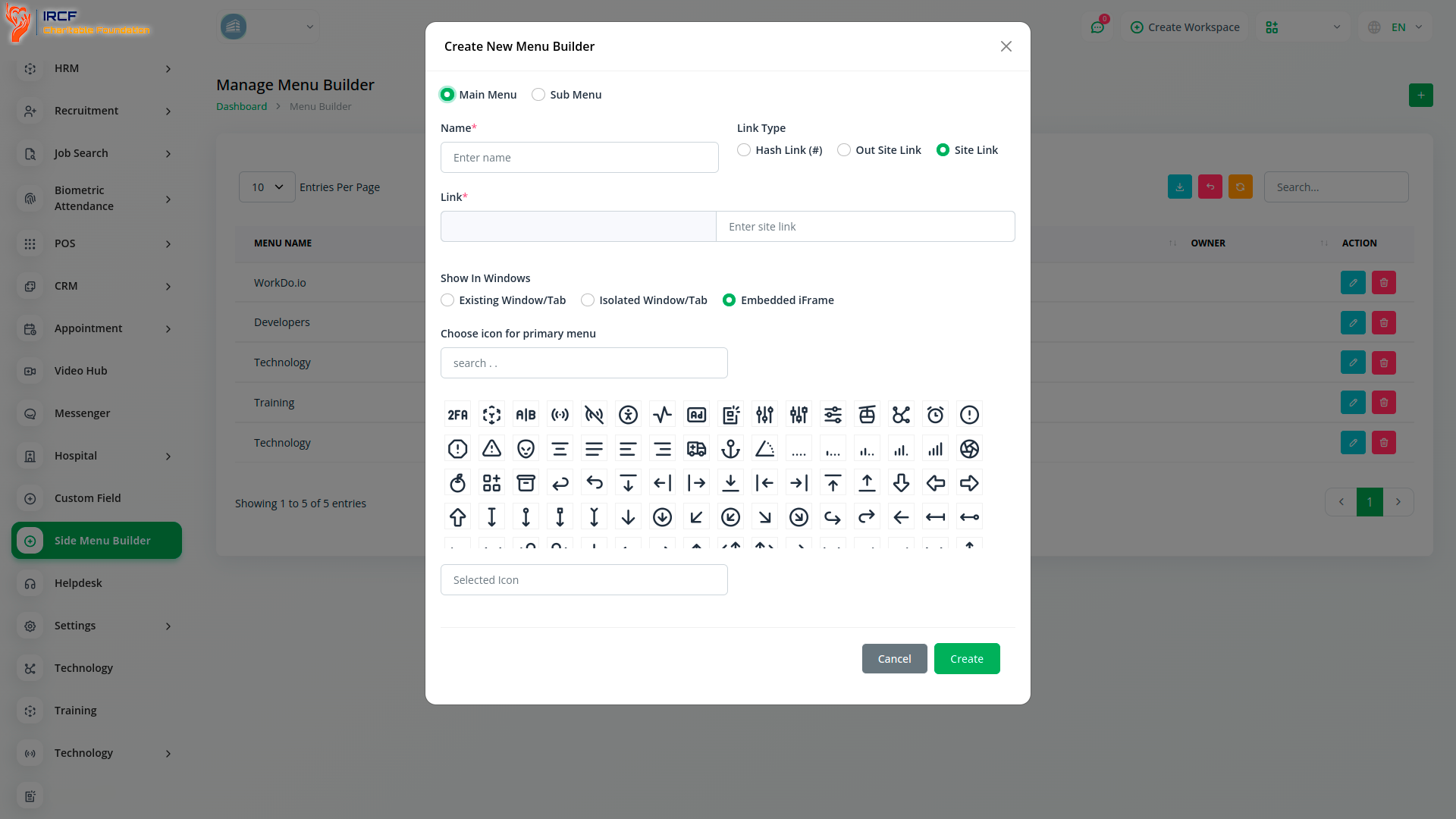
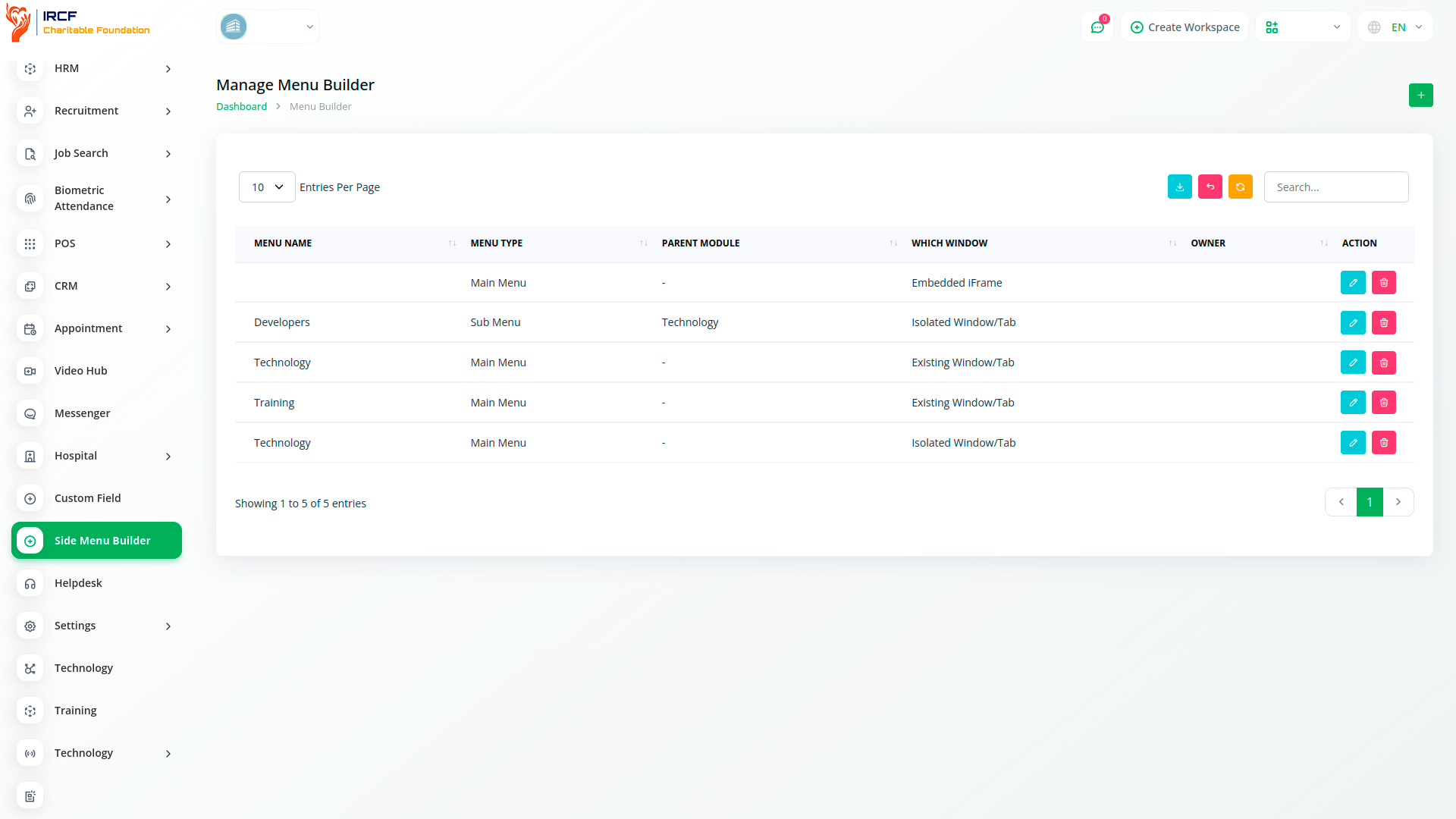
The Side Menu Builder allows you to guide users directly to specific web pages, content, or actions within your platform. Rather than relying on standard navigation, it offers a more direct and relevant pathway to important information or functionality — enhancing accessibility for staff, volunteers, and programme participants.
With IRCF Workspace, you can conveniently manage all your organisation’s programmes, charitable activities, and internal operations from a single location.
Access a comprehensive suite of premium add-ons for Accounting, Volunteer Management, Fund Disbursement, Outreach, Communication, Programme Oversight, and more — all in one place!
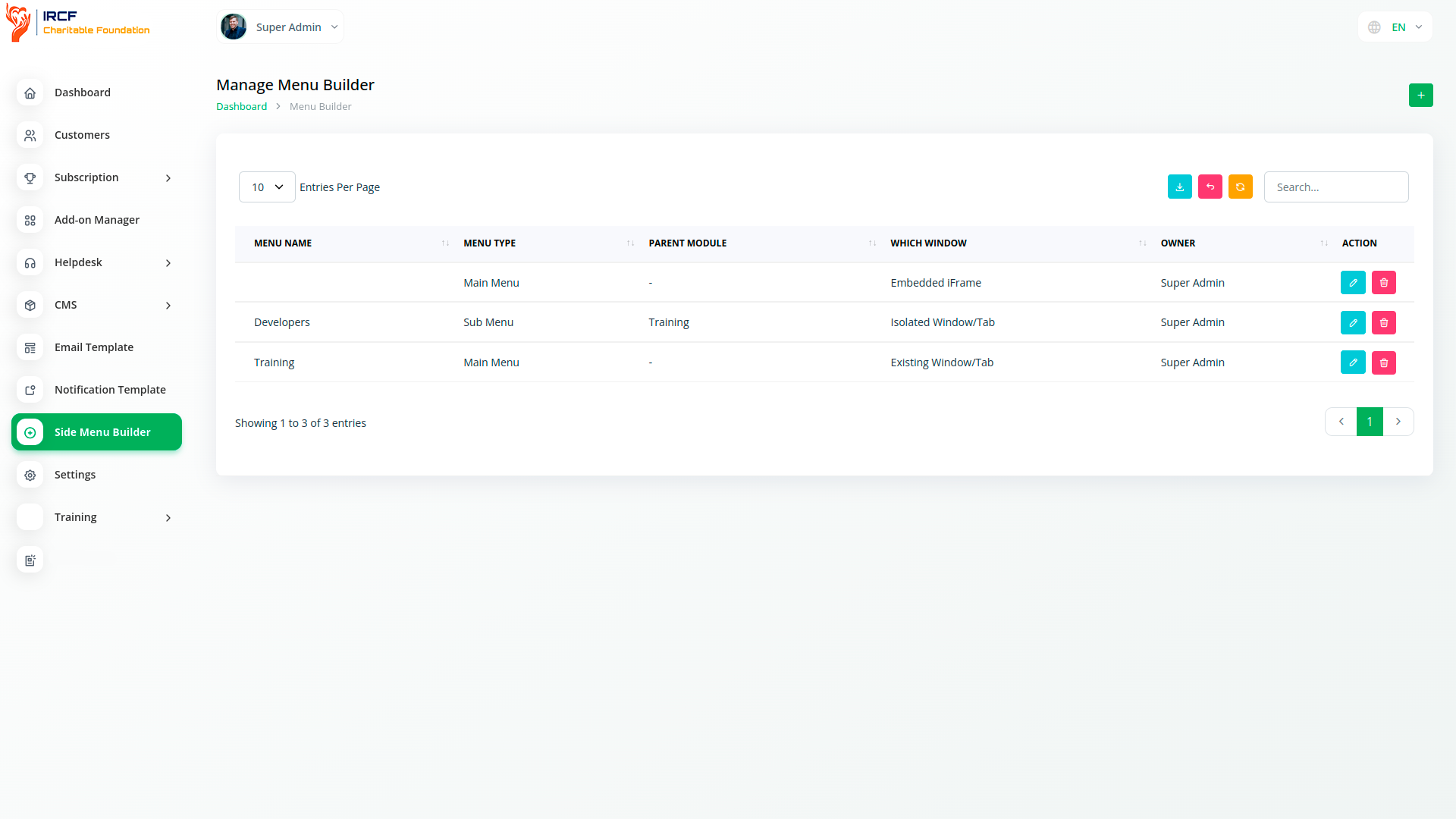
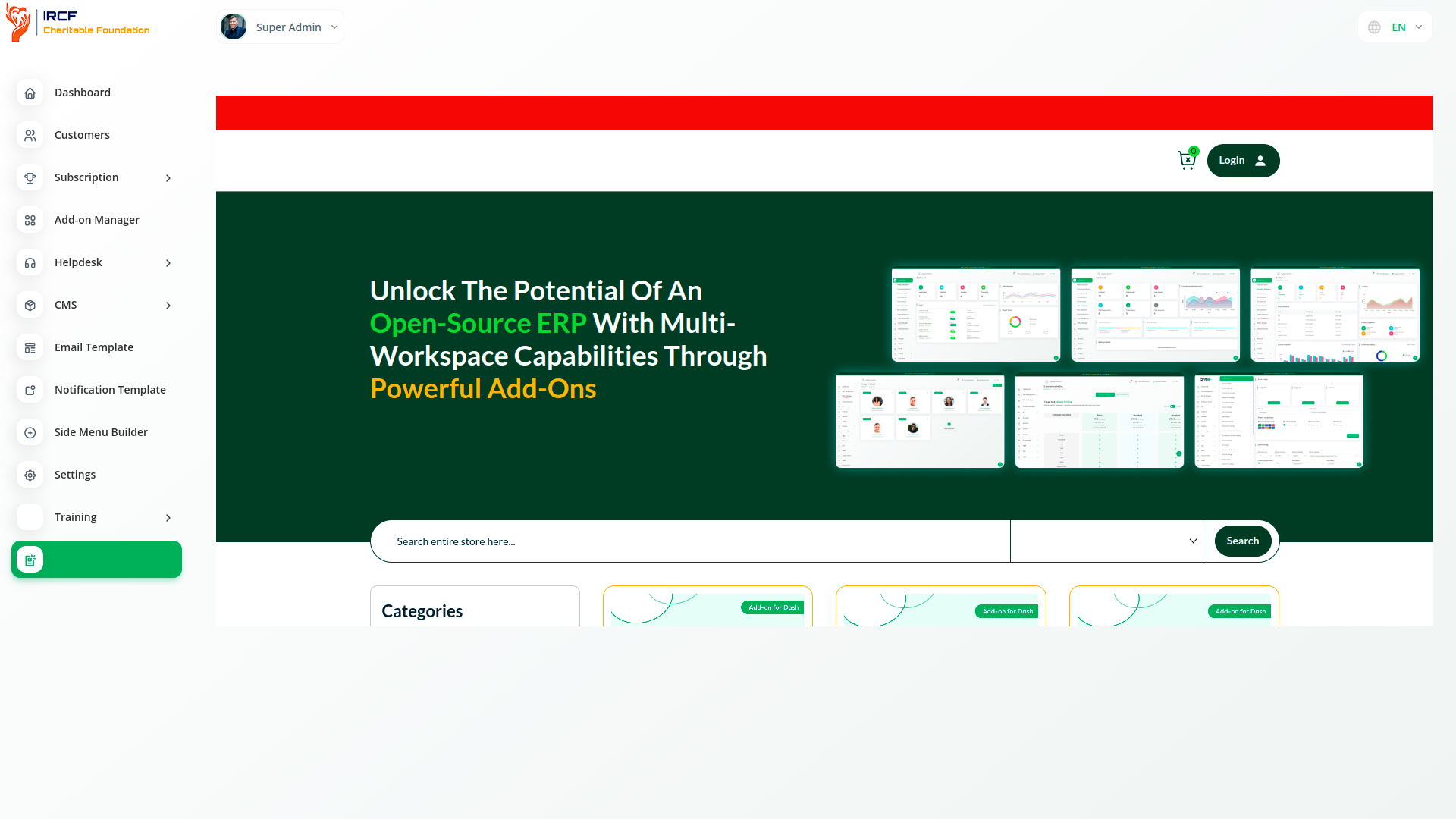
With IRCF Workspace, you can conveniently manage all your organisation’s charitable programmes, operations, and internal functions from a single location.


