
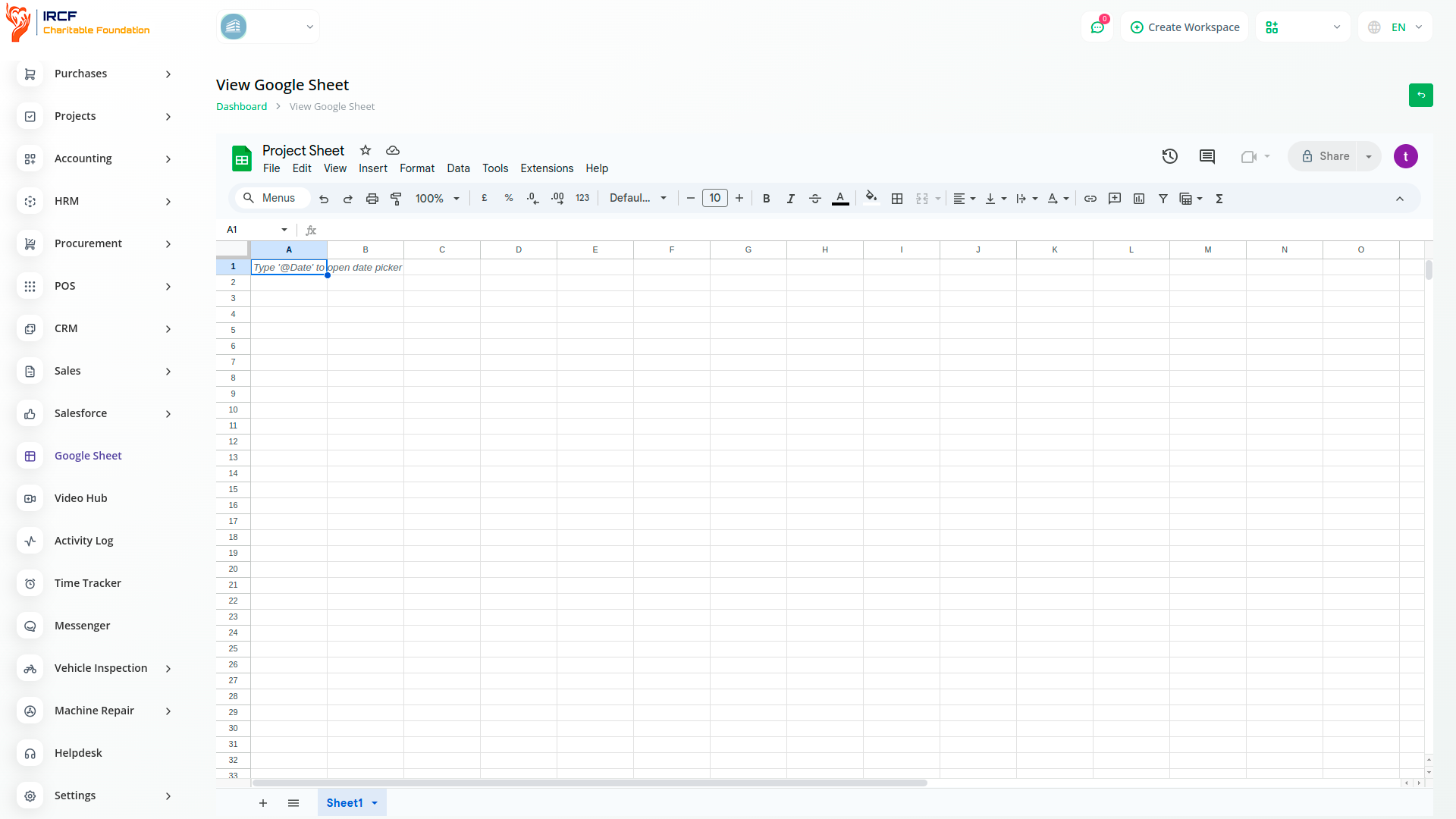
With Google Sheets integration in IRCF Workspace, you can easily access, view, edit, and delete spreadsheets without needing to open Google Drive separately. Quickly organise and analyse data by sorting and filtering columns — all within the IRCF Workspace platform.

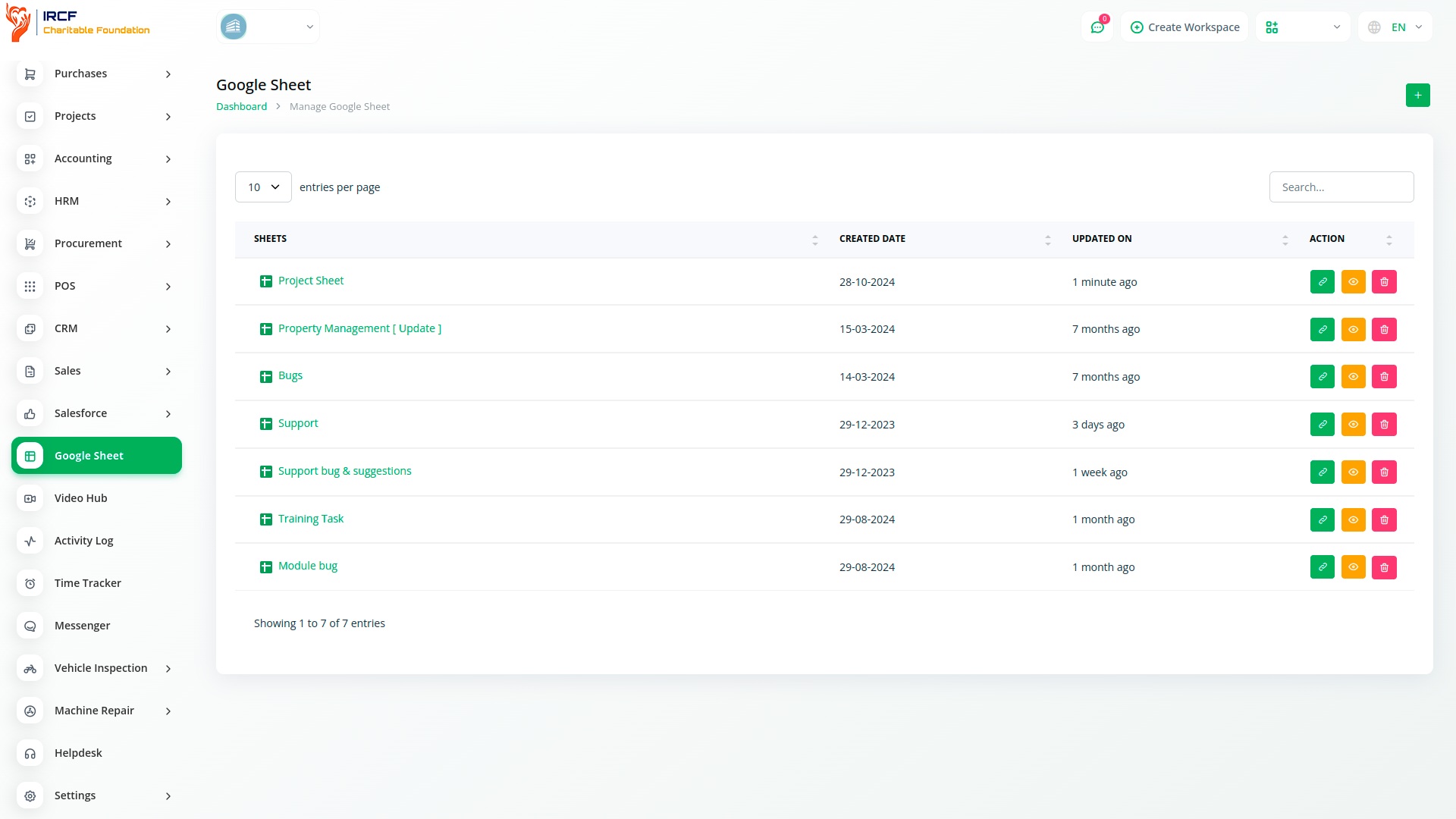
Google Sheets provides powerful tools for sorting and filtering data, allowing users to organise information based on specific criteria and focus on targeted subsets of data for clearer analysis and decision-making.
Google Sheets is a cloud-based spreadsheet platform that enables real-time collaboration, supports advanced formulas, and offers intuitive tools for data analysis and visualisation. It is especially useful for managing budgets, tracking programme data, and coordinating team efforts within charitable organisations.
Customize the appearance of cells with various formatting options, including font style, size, color, and borders.
Secure your data by applying various levels of protection to sheets or specific ranges, limiting access to authorized users.
Use the Find and Replace feature with advanced options to quickly locate and replace specific data within your spreadsheet.
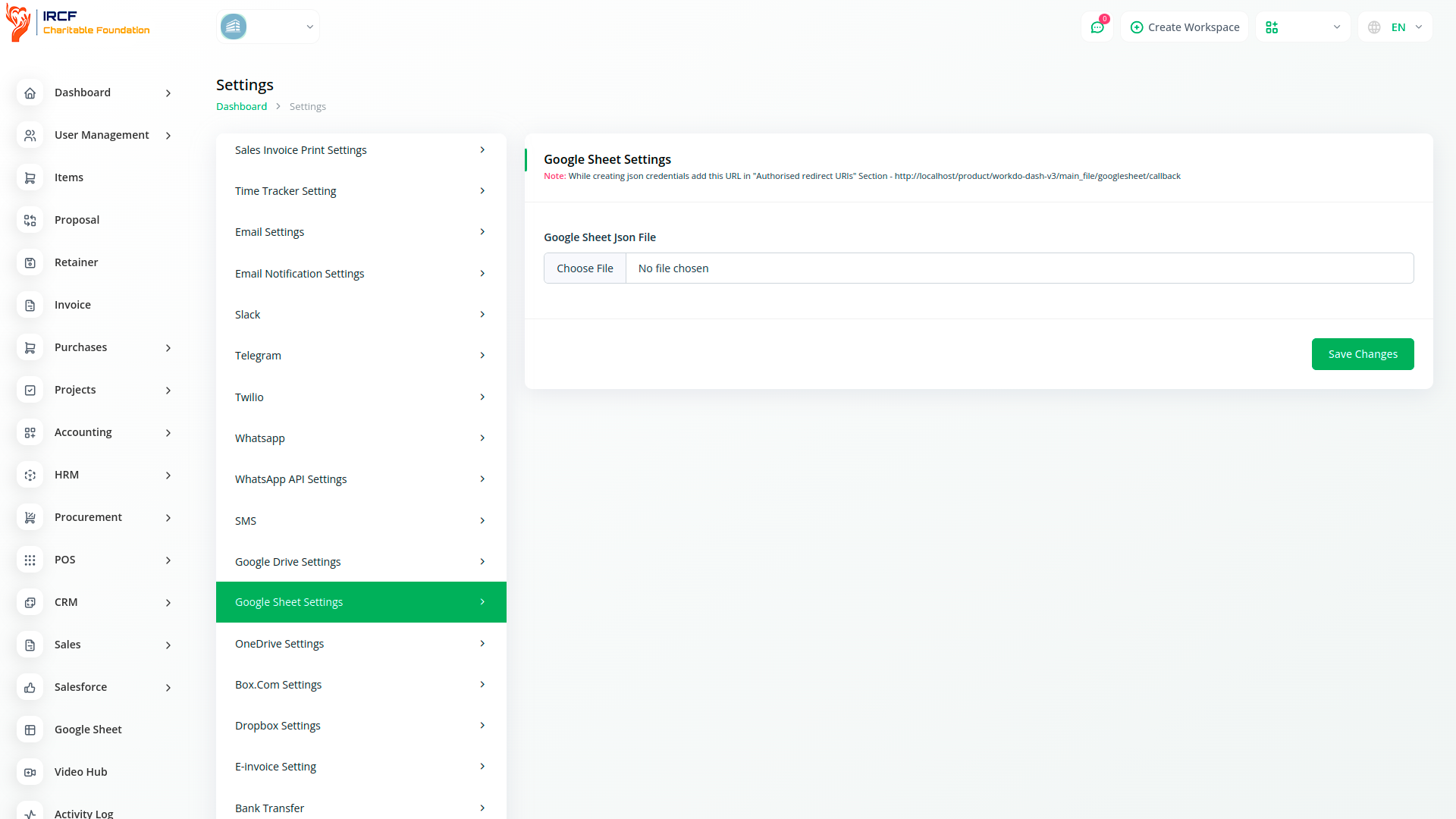
Upload your credentials JSON file in System Settings → Google Sheet Settings.
Authorise your Google Account to allow access. Once authorised, you will be able to browse and manage your Google Sheets.
Click the “Create Sheet” button to begin creating a new spreadsheet.
Select the destination folder where you want the sheet to be saved and enter a title for your new sheet.
With IRCF Workspace, you can conveniently manage all your organisation’s operations and charitable functions from a single, centralised platform.
Access a wide range of premium add-ons for Accounting, Volunteer Management, Donation Tracking, Beneficiary Engagement, Communication, Programme Coordination, and more — all in one place!
With IRCF Workspace, you can conveniently manage all your organisation’s functions and charitable activities from a single, centralised platform.


