Access your Google Drive documents, folders, and media directly from IRCF Workspace.
View files such as PDFs, Word documents, spreadsheets, and images within the built-in Google Viewer, without leaving the system.
Easily browse your personal Drive content in List or Grid View, link folders to IRCF submodules, and streamline document access for programme and administrative tasks.

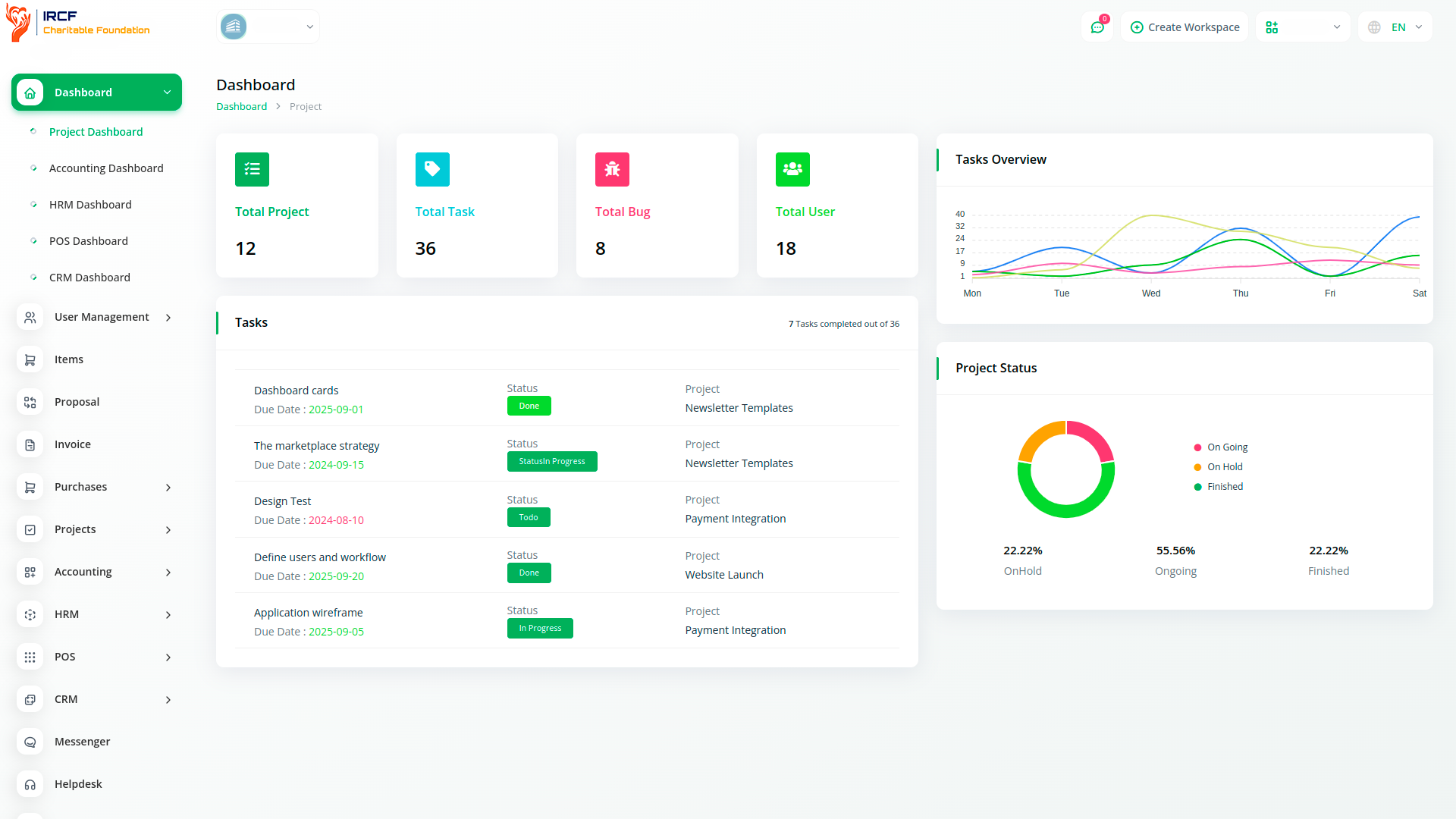
This module connects IRCF Workspace to your personal or organisational Google Drive using a secure JSON credential setup.
After authentication, your Drive content becomes available inside the platform’s interface.
You can open files directly via the integrated Google Viewer, browse folders, and assign documents to related IRCF modules — all without switching tabs or applications.
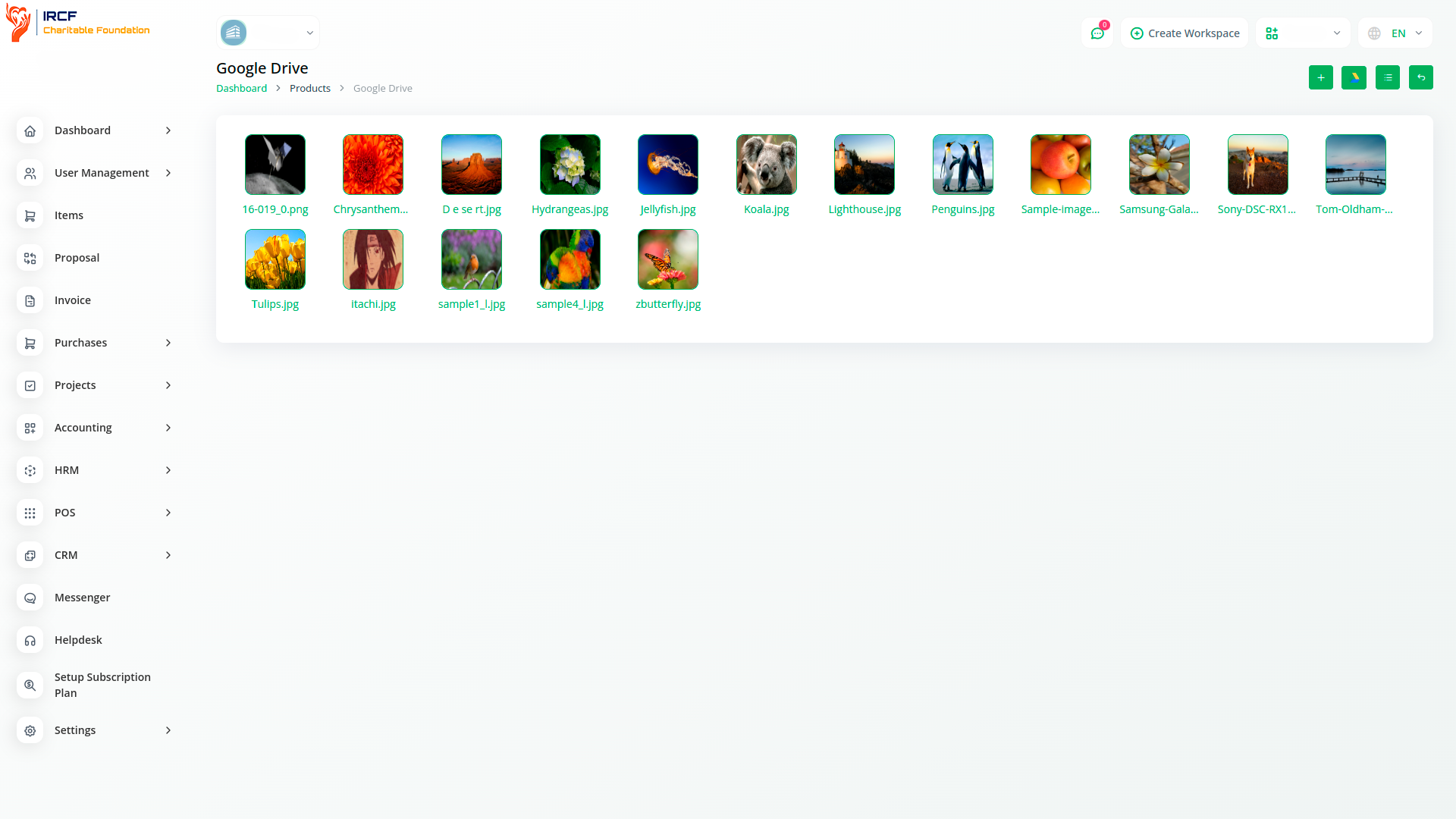
Browse your Google Drive documents and media in a visual grid layout within IRCF Workspace.
Each file is shown as a tile with preview support, allowing for quick identification and direct access.
This layout improves usability when working with multiple images or document types, offering a more intuitive file management experience.
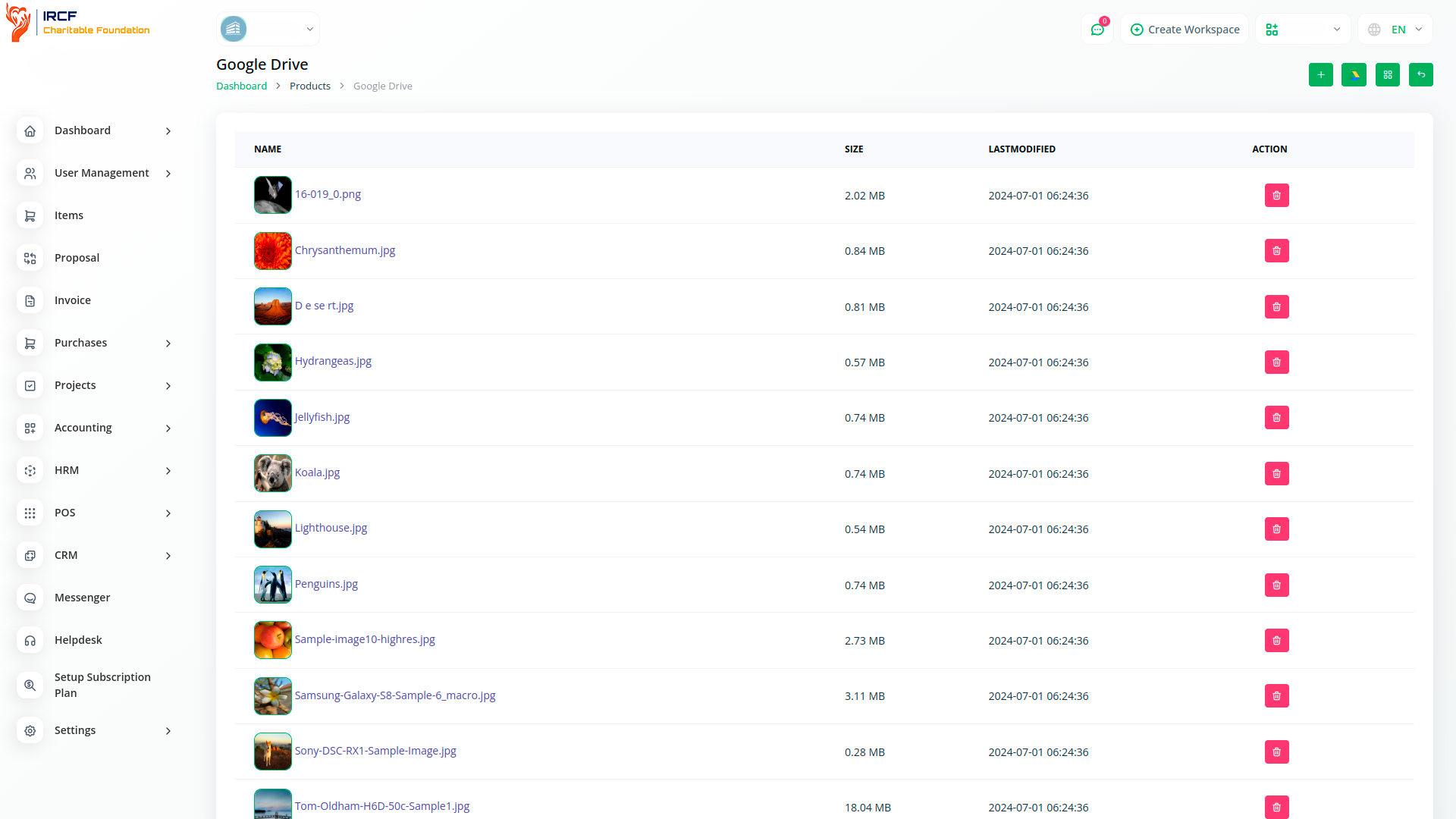
Navigate your Google Drive files through a structured list layout inside IRCF Workspace.
Files are displayed with name, type, and last modified date for efficient sorting and access.
Use the search bar and scroll functionality to locate documents quickly across multiple folders — ideal for working with large sets of records.
Link specific Google Drive folders to IRCF Workspace submodules such as Projects, Grants, or Tasks.
This enables users to access relevant files directly within their working module context — reducing time spent searching and improving organisational consistency.
Folder mapping is configured during initial setup and can be adjusted at any time through the integration settings panel.
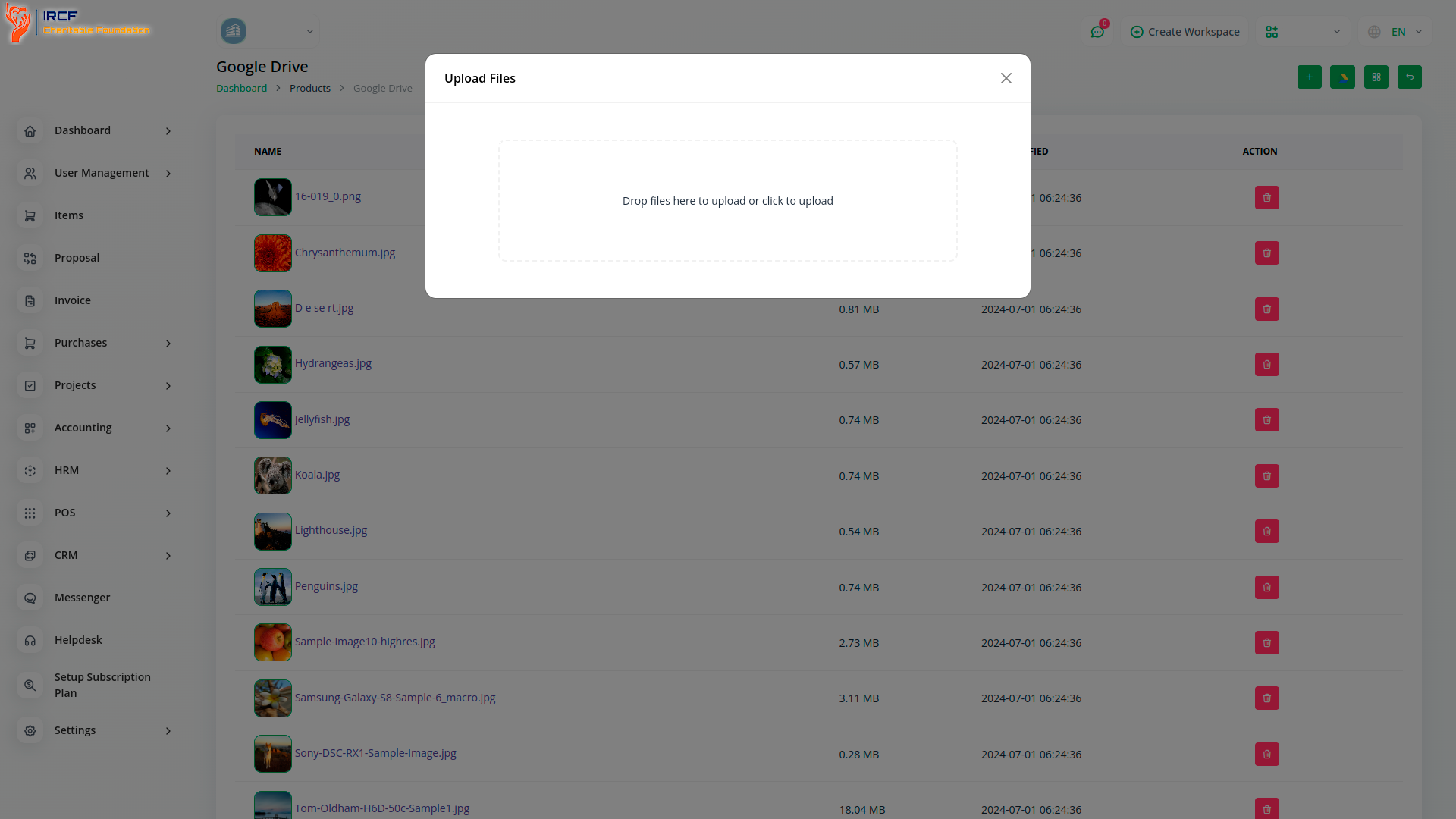
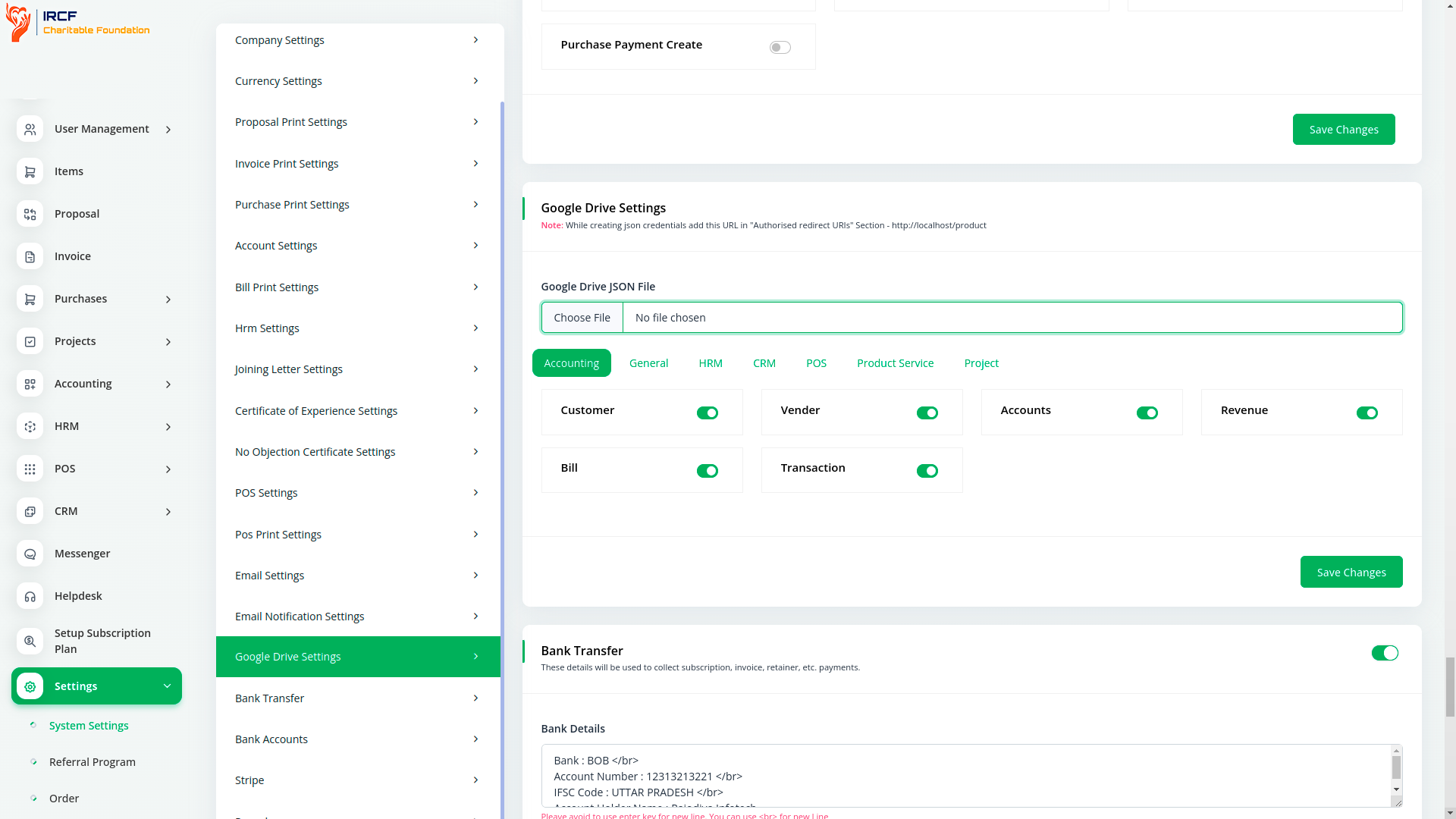
Configure access to Google Drive by uploading your credential JSON file via the integration settings page.
Select which IRCF Workspace submodules will be connected to Drive folders, and enable secure, read-only file access.
This process uses OAuth2 authentication and ensures that documents are accessed directly through the interface — without the need for switching tabs or downloading locally.
With IRCF Workspace’s integrated Google Drive module, your organisation eliminates the need for switching platforms or manually downloading files.
Centralise document access within your daily workflow, and enable secure viewing of Drive files directly from submodules such as Grants, Projects, or Tasks.
Streamline operations, enhance cross-team visibility, and improve document handling with a configuration that’s lightweight, secure, and tailored to your working environment.
Access a comprehensive suite of premium add-ons for Accounting, Volunteer Management, Donation Processing, Beneficiary Outreach, Communication, Programme Oversight, and more — all in one centralised platform!
With IRCF Workspace, you can conveniently manage all your organisation’s functions and charitable operations from a single, centralised platform.